Does LinkedIn notify someone when you view their profile? Yes, unless you browse privately
When you open someone’s LinkedIn profile, they can usually find out. How much they see depends on your viewing setting and on their account. Here is exactly what LinkedIn shows, how to change it, and how to use profile views on purpose when you sell.
LinkedIn doesn’t send a message for every visit, but your view is recorded. You appear in the person’s Who’s viewed your profile list, which can also show up in their feed. With the default setting they see your name and headline. With private profile characteristics they see something like “Someone at Accenture”. In private mode they only see “LinkedIn Member”. Whether they spot you also depends on their account: a free account shows the three most recent viewers from the last 90 days, Premium shows the full list for up to 365 days.
What does the person see when you view their profile?
| What they seein Who’s viewed your profile | Your own viewerson a free account | |
|---|---|---|
| Your name and headline (default) | Your name and headline | You can see your three most recent viewers |
| Private profile characteristics | Your job title, company, school or industry, like “Consultant at State Farm” | Not shown: LinkedIn only lists your recent viewers when your setting shows your name and headline |
| Private mode | “LinkedIn Member – This person is viewing profiles in private mode” | Hidden from you, unless you have Premium |
Source: LinkedIn Help, Browse profiles in private and semi-private mode and Private mode viewers of profiles.
Will they see you if they don’t have Premium?
Often, yes. LinkedIn shows every member who viewed their profile, but how far back they can look depends on their account:
Free (Basic) account: the three most recent viewers from the last 90 days, plus insights such as where viewers work and their job titles. They only get this if their own viewing setting shows their name and headline.
Premium (Career or Business): the full list of viewers for up to 365 days, with filters and a weekly trend graph.
So on a free account you stay visible for a short time, until three newer people view them. On Premium you stay in the list for up to a year. Source: LinkedIn Help, Who’s viewed your profile on Basic and Premium.
How do you view LinkedIn profiles anonymously?
Open Settings
Click Me at the top of LinkedIn, then Settings & Privacy.
Go to Visibility
Choose Visibility on the left, then Visibility when viewing other profiles.
Pick a mode
Your name and headline, private profile characteristics, or private mode.
Know the cost: on a free account, private mode hides your own viewers from you too. With Premium you can browse privately and still see who viewed you in the last 90 days.
Should you let prospects see that you viewed them?
If you sell, usually yes. A profile view is the quietest way to say hello: your name and headline show up, nothing is sent, and some people look back. Those who view you back are warmer than anyone you write to cold.
That only works with the default setting. In private mode the person just sees an anonymous “LinkedIn Member”, and on a free account you also lose sight of who views you back.
Profile visit
Add a profile visit to any LinkedClient campaign, for example a day before your connection request. You show up in their Who’s viewed your profile list. Nothing is sent.
Profile visitors
LinkedClient checks who viewed your profile and sends a connection request or your saved message to the ones you want, on any LinkedIn plan.
Like their latest post
A second quiet nudge: a like on their newest post, if it’s no older than the 1 to 90 days you choose.
Turn profile views into conversations
Elsie visits the people you want to reach and follows up the ones who look back. You approve every message, or let her run.
What results do LinkedClient customers get?
These results cover all of LinkedClient. Profile visits are one small part of it.
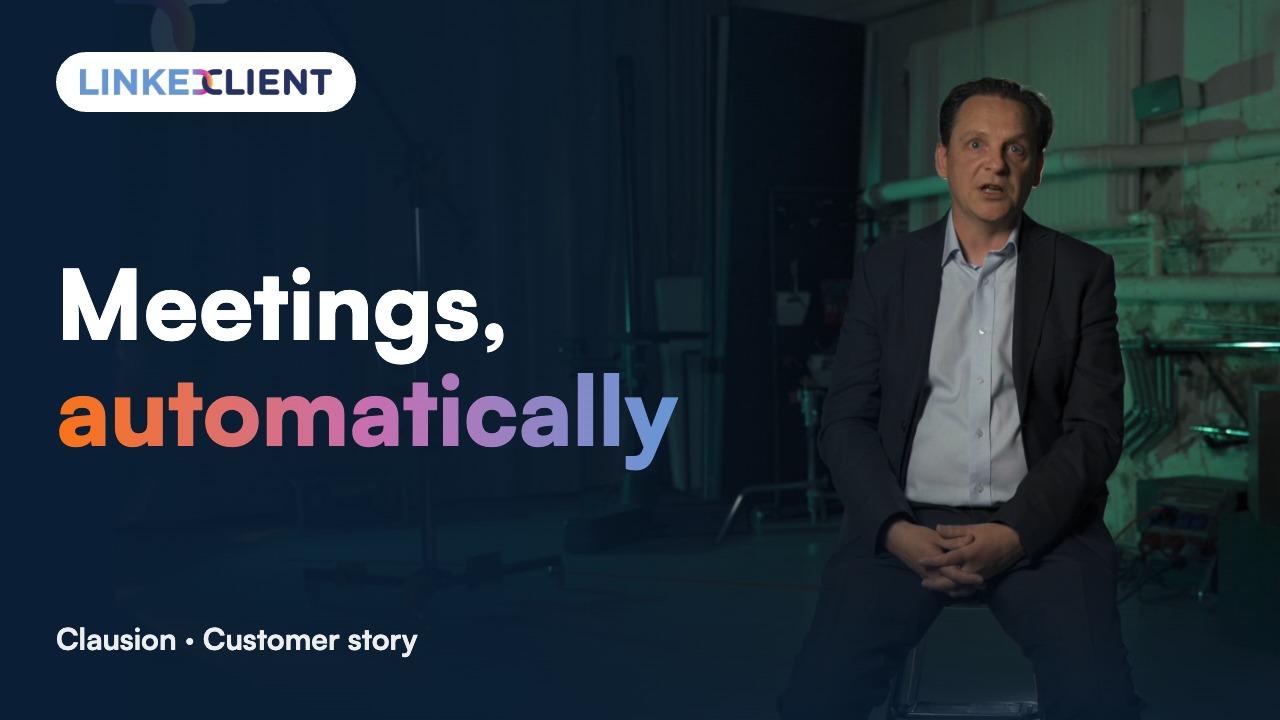
“We can pinpoint the people we want to contact and actually get meetings with them automatically.”
Keep reading
Follow up profile visitors
Templates and steps to turn views into conversations.
Read the guideIncoming connection requests
Accept and greet everyone who asks to connect.
Read the guideCompany page invitations
Invite your connections to follow your company page.
Read the guideLikes and comments
Warm up prospects by engaging with their posts.
Read the guideQuestions about LinkedIn profile views
Can’t find your answer? Ask a real person.
Book a 30-min demoDoes LinkedIn notify someone when you view their profile?
Not with a message for each visit, but your view is recorded in their Who’s viewed your profile list, which can also show up in their feed. With the default setting they see your name and headline.
Can someone see that I viewed their LinkedIn profile without Premium?
Yes. You don’t need any account type to be seen. It depends on your own viewing setting. Their account decides how long you stay visible: three most recent viewers on a free account, the full list for up to 365 days on Premium.
How do I view a LinkedIn profile without them knowing?
Switch on private mode: Me, Settings & Privacy, Visibility, Visibility when viewing other profiles, then Private mode. They will see “LinkedIn Member” instead of your name.
If I use private mode, can I still see who viewed my profile?
Not on a free account: LinkedIn hides your own viewers from you too. With Premium you can browse in private mode and still see who viewed you in the last 90 days.
Can I find out who viewed my profile in private mode?
No. LinkedIn never reveals the names of private mode viewers, not even to Premium members, and you can’t block them.
Can I use profile visits in my outreach?
Yes. In LinkedClient you can add a profile visit as a step in any campaign, and Profile visitors follows up people who viewed you. Both work on any LinkedIn plan and within your daily limits.
Want profile views to turn into meetings?
Pick a plan and Elsie can start this week. Or book a 30-minute demo and we’ll show you who she would contact for your business.
From €199 per user/month excl. VAT · Human onboarding included