Who viewed my LinkedIn profile? How to see it, free or Premium
LinkedIn shows you who looked at your profile, but how much you see depends on your account and on the viewer’s privacy settings. Here is exactly what free and Premium show, why some viewers stay hidden, and what to do with the ones you can see.
Open your own LinkedIn profile and click Who’s viewed your profile. A free account shows your three most recent viewers from the last 90 days. Premium shows the full list for up to 365 days, with filters and trends. People browsing in private mode are never named, on any plan.
What does LinkedIn show you?
| Free (Basic)LinkedIn account | PremiumCareer or Business | |
|---|---|---|
| Viewers you can see | Three most recent | The full list |
| Time range | Last 90 days | Up to 365 days |
| Insights | Number of viewers, where they work, job titles, how they found you | Everything in Free, plus filters and a weekly trend graph |
| Private mode viewers | Shown without a name | Shown without a name |
| If you browse privately yourself | Your own viewers are hidden | You still see your viewers |
Source: LinkedIn Help, Who’s viewed your profile and private mode pages.
This is how LinkedIn describes the difference, from its help page on Who’s viewed your profile:
- Free (Basic): your three most recent viewers in the last 90 days, if your own viewing setting shows your name and headline.
- Free (Basic): insights such as the number of viewers, where they work, their job titles and how they found you.
- Premium: the full list of viewers for up to 365 days.
- Premium: filters by date, company and industry, plus a weekly trend graph.
So on a free account the list is short and changes quickly. If you only check once a week, most viewers are gone before you see them.
Why are some viewers hidden?
LinkedIn members can browse in private mode. Their name and profile are not shared with the people they view, and LinkedIn will not reveal them, even to Premium members. Recruiters and salespeople often browse this way.
It also works the other way. On a free account, if you browse in private mode yourself, LinkedIn hides your own viewers from you. Premium members can browse privately and still see their viewers. Source: LinkedIn help on private mode.
Turn profile viewers into conversations
Elsie picks up your visitors and reaches out while the interest is warm. You approve every one, or let her run.
What should you do with your profile viewers?
Check often
On a free account, look every day or two so viewers do not fall off the short list.
Pick the ones who fit
Skip recruiters, competitors and colleagues. Keep people who match the customers you sell to.
Send a short note
Connect, or message if you are already connected. Thank them for stopping by and ask one easy question. Do not pitch yet.
Follow up once
If they do not answer, one friendly follow-up a few days later is enough.
How does LinkedClient follow up your viewers?
- 1 · ViewSomeone views your profileA small sign of interest in you or your company.
- 2 · Pick upLinkedClient finds themYour visitors are checked for you, on any LinkedIn plan.
- 3 · Reach outConnect or messageA connection request if you are not connected, your saved message if you are.
- 4 · LeadSaved in your CRMEach visitor you contact becomes a contact with a sales cycle.
- 5 · MeetingReply turns into a meetingElsie answers and books the meeting in your calendar.
How a profile view becomes a booked meeting with LinkedClient

Every visitor
LinkedClient checks your profile visitors for you, so you do not have to remember to look.
Connect or message
Visitors you are not connected with get a connection request. Connections get your saved message, and so do people who accept your request.
Your limits, your hours
Everything goes out within your working hours and daily limits, shared with the rest of your outreach.
Approve or autopilot
Approve each one, or let the autopilot run. Each visitor you contact becomes a contact in your CRM.
Read the full guide: How to follow up LinkedIn profile visitors.
What results do LinkedClient customers get?
These results cover all of LinkedClient. Following up profile viewers is one part of it.
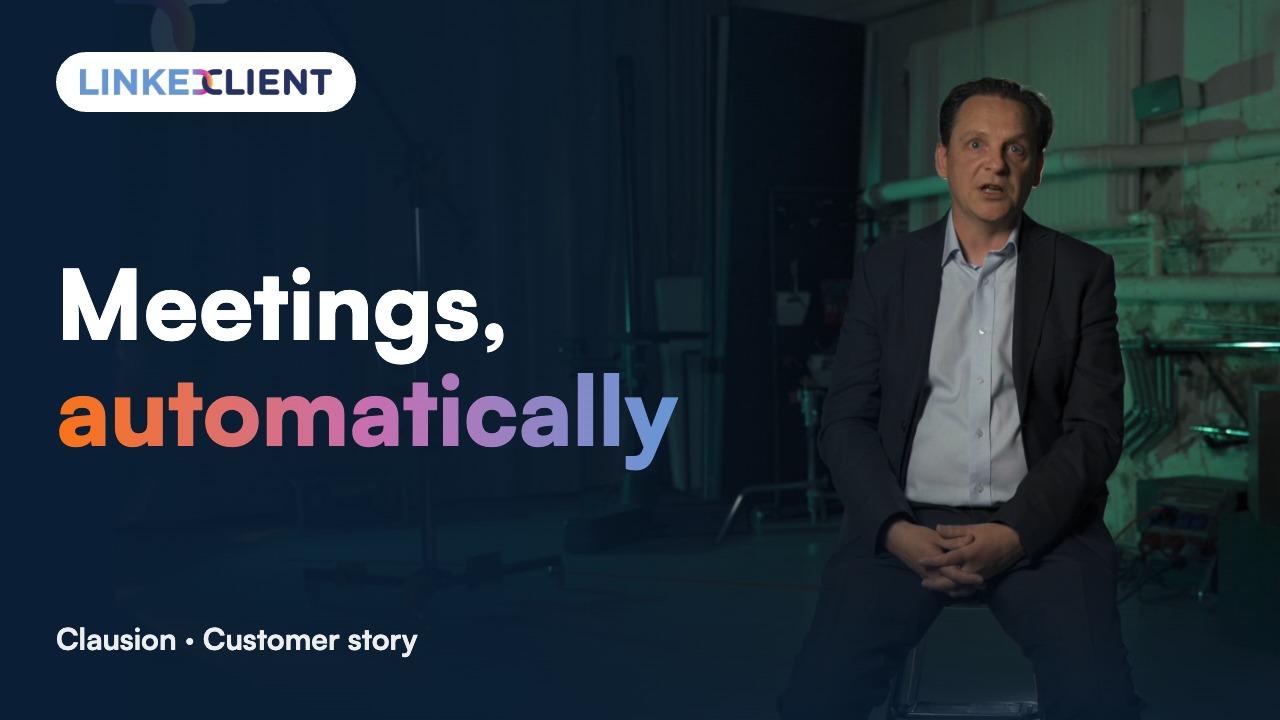
“We can pinpoint the people we want to contact and actually get meetings with them automatically.”
Keep reading
Follow up profile visitors
Templates and steps to turn views into conversations.
Read the guideIncoming connection requests
Accept and greet everyone who asks to connect.
Read the guideCompany page invitations
Invite your connections to follow your company page.
Read the guideLikes and comments
Warm up prospects by engaging with their posts.
Read the guideQuestions about LinkedIn profile viewers
Can’t find your answer? Ask a real person.
Book a 30-min demoHow do I see who viewed my LinkedIn profile?
Open your own profile and click Who’s viewed your profile. It can also show up in your feed. On a free account you see your three most recent viewers from the last 90 days. Premium shows the full list for up to 365 days.
Can I see who viewed my LinkedIn profile without Premium?
Partly. A free (Basic) account shows the three most recent viewers in the last 90 days, plus insights such as where viewers work and their job titles. To see everyone, you need Premium.
Why can’t I see some of my viewers?
People who browse in private mode show up without their name. LinkedIn does not reveal them, even to Premium members.
Why can’t I see anyone at all?
If you are on a free account and browse other profiles in private mode yourself, LinkedIn hides your own viewers too. Switch your profile viewing setting back to show your name and headline.
Should I message people who viewed my profile?
Yes, if they fit who you sell to. A view is a small sign of interest. A short, friendly note that does not pitch right away gets far more replies than a sales message.
Can I follow up profile visitors automatically?
Yes. LinkedClient picks up your visitors, sends a connection request to the ones you are not connected with and your saved message to the ones you are. You can approve each one or let it run within your daily limits. It works on any LinkedIn plan.
Does LinkedIn notify someone when I view their profile?
Your view is recorded in their Who’s viewed your profile list unless you browse in private mode. Here is exactly what they see for each setting.
Want every profile viewer followed up?
Pick a plan and Elsie can start this week. Or book a 30-minute demo and we’ll show you who she would contact for your business.
From €199 per user/month excl. VAT · Human onboarding included