Invite your LinkedIn connections to follow your company page, automatically
Every follower of your company page keeps seeing what you post there. LinkedIn lets page admins invite their connections, but one click at a time and with a limited number of credits a month. LinkedClient invites every connection for you, newest first, at a pace that stays inside your credits.
Open your company page as an admin and click Invite connections. Each invitation uses one credit, credits renew on the first of every month, and you get the credit back when someone accepts. To do it without clicking, turn on Company page in LinkedClient: it invites your connections newest first, within your working hours, until your whole network has been asked.
How do LinkedIn company page invitations work?
LinkedIn lets a page admin invite people to follow the page. These are the rules that matter, from LinkedIn’s help page on invitation limits:
- You can invite your own 1st-degree connections. A Premium Company Page can also invite followers of similar pages and people who engaged with the page.
- The page gets a set number of invitation credits a month, shared by all its admins.
- Credits renew on the first day of every month.
- Sending an invitation uses one credit. When it is accepted, the credit comes back (it can take up to 72 hours).
- When an invitation is declined or withdrawn, that credit is gone.
- LinkedIn is changing how many credits free and Premium pages get, so check your balance under Invite connections.
So credits are the bottleneck. The best use of them is to invite the people most likely to accept: your newest connections, who just chose to connect with you.
How do you invite connections to follow your company page?
Open your page as an admin
Go to your company page on LinkedIn and switch to the admin view.
Click Invite connections
You find it in the upper-right corner of the admin view. Your credit balance shows at the top.
Pick people and send
Select connections one by one and send. Each one uses a credit.
Come back every month
Credits renew on the first of the month, so repeat with your newest connections.
Let Elsie send your company page invitations
Start your free 14-day trial and turn on Company page. Or book a demo and we will show you how it works.
What does LinkedClient do for you?
- 1 · ConnectA new connectionSomeone accepts your request, or you accept theirs.
- 2 · QueueGoes to the frontNew connections are invited first. Teammates and excluded people are skipped.
- 3 · InviteSent on behalf of your pageWithin your working hours and daily limit, a few minutes apart.
- 4 · CreditsBudget keptInvites sent on LinkedIn count too, so the month’s credits last.
- 5 · FollowThey see your postsEvery follower keeps seeing what your page publishes.
How a new connection becomes a company page follower with LinkedClient

| By handOn LinkedIn | With LinkedClientCompany page on autopilot | |
|---|---|---|
| Who gets invited | The connections you pick, one click each | Every connection, newest first, until your whole network has been asked |
| New connections | Easy to forget | Invited first, while you are fresh in their mind |
| Colleagues | You skip them yourself | Teammates and excluded people are left out |
| Credits | You keep count | Monthly credits tracked, including invites sent on LinkedIn |
| Timing | When you remember | Every day, within your working hours, a few minutes apart |
| Price | Free | Included in every plan. Try it free for 14 days, then from $129 per user a month |
Credit rules from LinkedIn’s help page on invitation limits.
It finds your page
LinkedClient checks which pages your LinkedIn account administers and picks the one that matches where you work. Invitations are sent on behalf of that page.
It invites newest first
On autopilot, everyone you are connected with is invited, new connections first, until your whole network has been asked. Teammates and people you excluded are left out.
It stays inside your credits
You enter your monthly credits and a daily limit. Invitations you or another admin sent on LinkedIn count too, so you never run out halfway through the month.
One click each
Prefer to choose? Turn autopilot off and click Invite on the people you want. Nothing is sent unless you click.
Why grow your company page followers?
Everyone who follows your company page can see what you post there. That turns your network into an audience for your product news, case studies and offers, not just your personal posts.
It also fits the rest of LinkedClient. People who view your profile, send you a connection request or react to your posts become contacts. Inviting them to follow your page keeps you in front of them while Elsie works on booking the meeting.
What results do LinkedClient customers get?
These results cover all of LinkedClient. Company page invitations are one part of it.
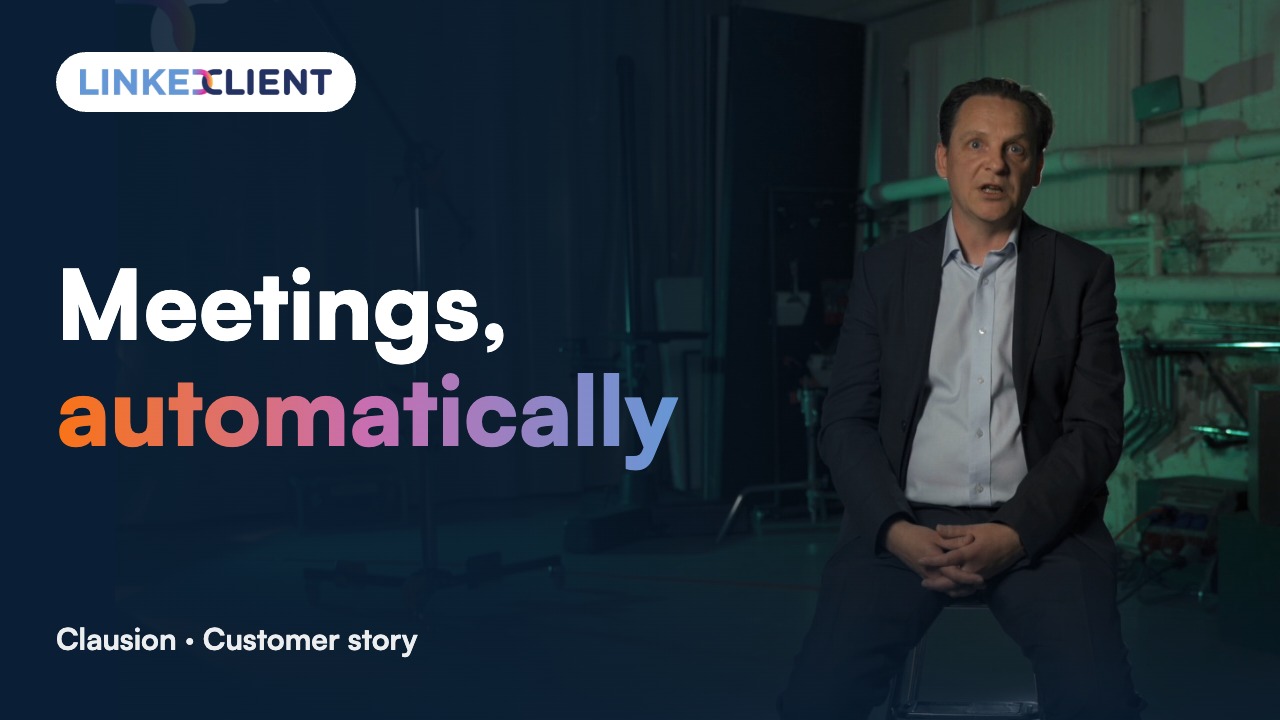
“We can pinpoint the people we want to contact and actually get meetings with them automatically.”
Keep reading
Incoming connection requests
Accept everyone who asks to connect and greet them with your welcome message.
Read the guideProfile visitors
Follow up the people who viewed your LinkedIn profile.
Read the guideLikes and comments
Warm up prospects by engaging with their posts.
Read the guideMeet Elsie
The AI sales assistant behind every LinkedClient feature.
Read the guideQuestions about company page invitations
Can’t find your answer? Ask a real person.
Book a 30-min demoHow many people can I invite to follow my LinkedIn company page?
LinkedIn gives every page a number of invitation credits each month. You see your balance when you click Invite connections in the page’s admin view. Credits are shared by all admins, renew on the first day of each month, and come back to you when someone accepts.
Who can I invite to follow my company page?
Your own 1st-degree connections. With a Premium Company Page, LinkedIn also lets you invite followers of similar pages and people who engaged with your page’s content.
Do I need to be an admin of the company page?
Yes. Invitations are sent on behalf of the page, so your LinkedIn account has to administer it. LinkedClient checks which pages you administer and picks the one that matches where you work. You can change it.
Will LinkedClient invite my colleagues?
No. Teammates and anyone you have excluded are left out. Everyone else is invited, newest connections first.
Can it use up all my credits on day one?
No. You set the credits your page gets a month and a daily limit. LinkedClient also counts invitations you or another admin sent on LinkedIn itself, and spreads the rest out a few minutes apart within your working hours.
What happens when I get a new connection?
New connections go to the front of the line, so people who just connected with you are invited while you are fresh in their mind. If you accept connection requests in LinkedClient, those people are invited too.
Is it included in my plan?
Yes. Every LinkedClient plan includes every feature, from Starter at $129 per user a month (billed yearly, excl. VAT).
Want every connection invited to your company page?
Start your free 14-day trial and Elsie can start this week. Or book a 30-minute demo and we’ll show you how it works for your page.
14 days free · No card needed · Human onboarding included