LinkedIn shadow ban and LinkedIn jail: what they are and how to avoid them
Your reach drops overnight, or LinkedIn stops you from sending invitations. People call it a shadow ban or LinkedIn jail. Here is what LinkedIn actually does, how to tell which problem you have, and how to make sure it never happens to you.
LinkedIn doesn’t use the term shadow ban in its help pages. It does say its algorithms “filter out or taper distribution of low-quality and unsafe content”, so some posts quietly reach fewer people. LinkedIn jail is different: LinkedIn restricts your account from sending invitations, for example when many requests are ignored or marked as spam, or when it suspects an automation tool. To avoid both, post original content, keep your outreach personal and steady, and stay within the limits. LinkedClient is built for exactly that: daily limits you set, working hours and messages written for one person.
Key takeaways
- Shadow ban: your posts reach fewer people, with no message.
- LinkedIn jail: you can’t send invitations, typically for about a week.
- Main triggers: bursts of requests, ignored or reported requests, fake engagement.
- Stay safe: steady volume, people who fit, personal messages.
- LinkedClient keeps every action within your daily limits and working hours.
Shadow ban or LinkedIn jail: which one do you have?
| What you see | What it usually means | What to do |
|---|---|---|
| Post impressions drop sharply, with no message from LinkedIn | Reduced reach for content LinkedIn judges low quality or spammy | Post original content and check analytics over several weeks |
| You can’t send connection requests | An invitation restriction, often called LinkedIn jail | Wait it out, about a week, then restart at a lower daily number |
| You are asked to verify your identity or your account is locked | An account restriction | Follow LinkedIn’s instructions to restore access |
| Your posts get fewer reactions for a week or two | Often normal variation | Compare several weeks of post analytics before you assume anything |
What gets your reach cut or your account restricted?
Too many invitations too fast
LinkedIn says sending many invitations in a short time can get you restricted.
Ignored or reported requests
Many invitations that are ignored, left pending or marked as spam count against you.
Suspected automation
LinkedIn says it may restrict accounts when it suspects an automation tool and sees excessive invitations. Volume and pattern are what stand out.
Bought engagement
Likes or comments bought from strangers are fake engagement under LinkedIn’s Professional Community Policies.
Spammy or low-quality posts
Content LinkedIn’s systems judge low quality or unsafe gets less distribution.
How do you avoid a LinkedIn shadow ban or LinkedIn jail?
Build volume gradually
Start at 10 to 15 requests a day and work up to 30. See the connection request limits.
Write to people who fit
Relevant requests get accepted. Ignored ones put your account at risk. See how to raise your acceptance rate.
Make every message personal
One person, one message, no copy-paste blasts.
Work in working hours
Activity spread over your working day looks like a person.
If you are restricted, pause
Stop sending, wait out the restriction and restart at a lower daily number.
How does LinkedClient keep you out of LinkedIn jail?
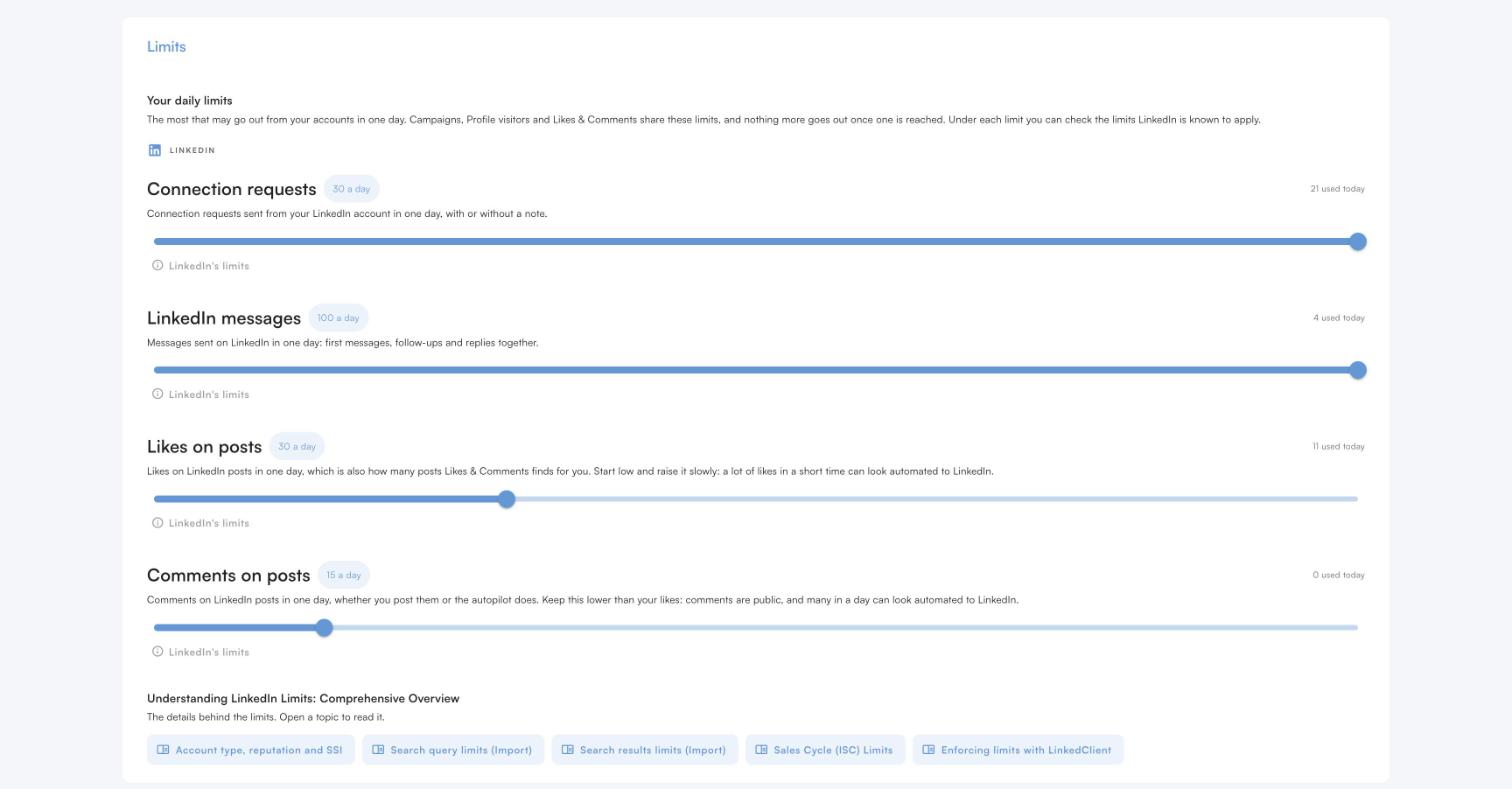
A daily limit for every action
Connection requests, messages, likes and comments each have their own daily limit, and Elsie never goes over any of them.
Only in your working hours
Actions are spread over your working day, never sent in bursts.
People who fit
Elsie writes to people who match your ideal customer, which keeps acceptance high and complaints low.
Written for one person
Every message is based on research about the person, not a template blast.
Approve or autopilot
Approve every message yourself until you trust how Elsie writes.
No tool can promise zero risk on LinkedIn. LinkedClient keeps the risk low by keeping your activity steady, personal, relevant and within limits, which is exactly what LinkedIn’s rules reward.
Grow on LinkedIn without risking your account
Try it free for 14 days, no card needed, or book a 30-minute demo and we’ll show you how Elsie keeps your account safe.
What results do LinkedClient customers get?
These results cover all of LinkedClient. Staying safe on LinkedIn is one part of it.
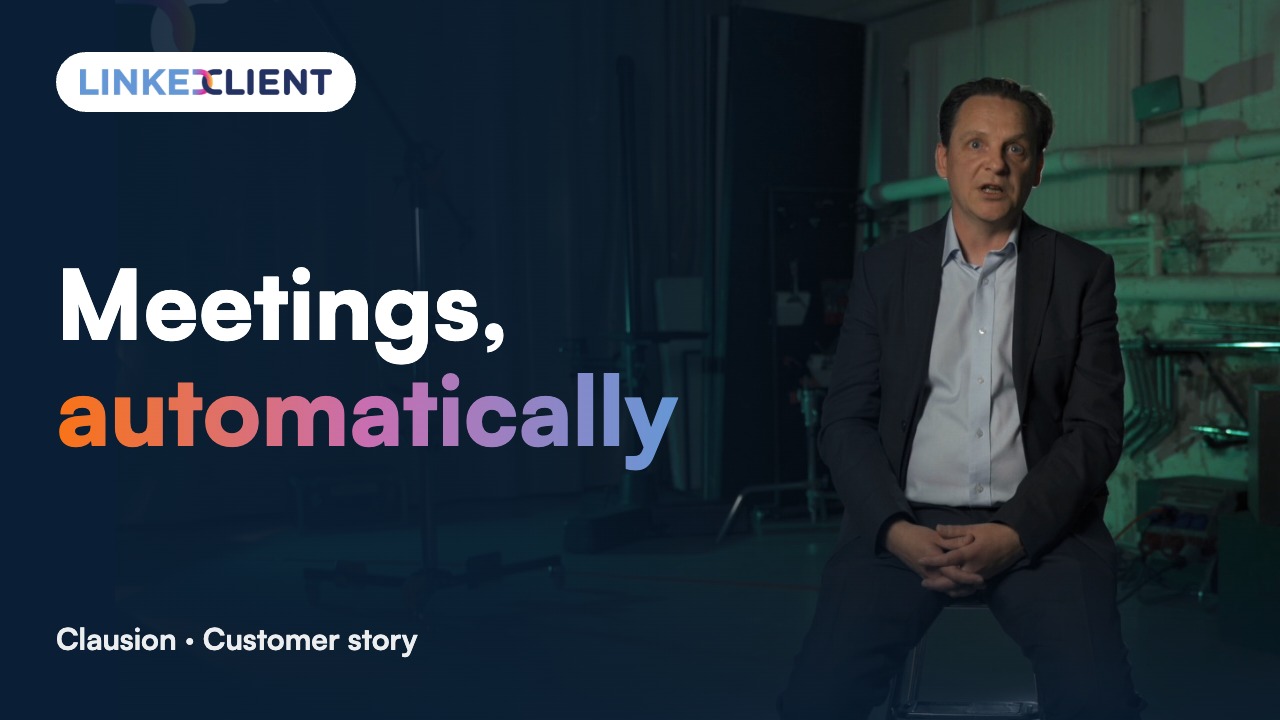
“We can pinpoint the people we want to contact and actually get meetings with them automatically.”
Keep reading
Connection request limits
How many requests you can send per week and month.
Read the guideAutomate connection requests
The warm-up sequence that gets more people to accept.
Read the guideSecurity and compliance
GDPR, the EU AI Act and your LinkedIn account.
Read the guideGet more likes
Eight ways to get more likes on your posts.
Read the guideQuestions about LinkedIn shadow bans and LinkedIn jail
Can’t find your answer? Ask a real person.
Book a 30-min demoDoes LinkedIn shadow ban accounts?
LinkedIn doesn’t use the term in its help pages. It does say its algorithms filter out or taper distribution of low-quality and unsafe content, so some posts can reach far fewer people without any message.
How do I know if I am shadow banned on LinkedIn?
Compare your post analytics over several weeks. A sudden, lasting drop in impressions, especially out of network, suggests reduced reach. If you can’t send invitations, that is a restriction, not a shadow ban.
What is LinkedIn jail?
A popular name for a restriction. One common one stops you from sending connection requests. LinkedIn says it typically lasts one week, and withdrawing invitations doesn’t lift it.
How long does LinkedIn jail last?
An invitation restriction typically lasts one week, according to LinkedIn, and LinkedIn Support can’t shorten it.
How do I avoid LinkedIn jail when automating?
Build up volume gradually, write to people who fit, keep pending requests under 500 and work only in working hours. LinkedClient does all of this within the daily limits you set.
Can LinkedClient get my account banned?
No tool can promise zero risk, because LinkedIn’s rules don’t allow most third-party automation. LinkedClient keeps you within daily limits you set, works only in your working hours and writes every message for one person, which keeps the risk low.
Want to grow on LinkedIn without risking your account?
Start your free 14-day trial and Elsie can start this week. Or book a 30-minute demo and we’ll show you who she would contact for your business.
14 days free · No card needed · Human onboarding included