15 LinkedIn connection request messages that get accepted
A good connection request note is short, about them and gives one reason to connect. Here are 15 templates under LinkedIn’s 200-character limit, three follow-ups for after they accept, and the mistakes that get requests ignored.
A good LinkedIn connection request message is under 200 characters, mentions something specific about the person and gives one reason to connect, with no pitch. LinkedIn lets free accounts add a personal note to only 3 connection requests a month, while Premium members can personalize every request. So on a free account, save notes for your most important people and warm the rest up with a profile visit and a like. LinkedClient writes a note for each person, based on research about them, wherever your plan allows one.
Key takeaways
- Limit: 200 characters per note.
- Free accounts: 3 personalized requests a month.
- Formula: something about them + one reason to connect.
- Never pitch in the request.
- Send the pitch later, after they accept and reply.
15 LinkedIn connection request message templates
| Situation | Template | Characters |
|---|---|---|
| After a post they wrote | “Hi [Name], your post on [topic] made me rethink how we [do X]. I work with [role]s in [industry] and would love to follow your thinking. Happy to connect?” | 154 |
| Same industry | “Hi [Name], I work with [industry] teams on [problem] and see you lead [area] at [Company]. Always good to know people who get this world. Happy to connect.” | 155 |
| Mutual connection | “Hi [Name], [Mutual] and I worked together on [project] and your name came up. I’d be glad to have you in my network.” | 116 |
| They viewed your profile | “Hi [Name], thanks for stopping by my profile. I saw you lead [team] at [Company]. Happy to connect and swap notes on [topic].” | 125 |
| After an event | “Hi [Name], great to see you at [Event]. Your point on [topic] stuck with me. Let’s stay in touch here.” | 102 |
| Before an event | “Hi [Name], I see we’re both going to [Event]. I’d be glad to say hello there. Happy to connect first.” | 101 |
| New role | “Hi [Name], congrats on the new role at [Company]! I work with [role]s in their first 90 days on [problem]. Happy to connect.” | 124 |
| Company news | “Hi [Name], congrats on [funding/launch/new office]. I follow [industry] closely and would like to connect.” | 106 |
| Shared group or community | “Hi [Name], we’re both in [Group]. I liked your take on [topic]. Happy to connect.” | 81 |
| Alumni | “Hi [Name], fellow [School] alum here. I see you’re at [Company] now. Would be great to connect.” | 95 |
| They commented on something | “Hi [Name], I read your comment on [Person]’s post about [topic] and agree. Would be good to connect.” | 100 |
| Hiring | “Hi [Name], I’m hiring a [role] at [Company] and your work on [project] stood out. Open to connecting?” | 101 |
| Partner or referral | “Hi [Name], we both serve [type of customer] from different angles. I think there’s room to help each other. Happy to connect?” | 125 |
| Returning contact | “Hi [Name], we spoke about [topic] back in [time]. Would be good to stay connected here.” | 87 |
| Simple and honest | “Hi [Name], I help [role]s at companies like [Company] with [result]. No pitch, just good to be connected.” | 105 |
Character counts include the brackets, so check the final note stays under 200. Swap the brackets for real details. A note that could be sent to anyone gets treated like it was sent to everyone.
What should a LinkedIn connection request message say?
Use their name
It shows the note was written for them.
Mention one specific thing
Their post, their company news, an event or a mutual connection.
Give one reason to connect
Shared industry, shared customers or a shared interest.
Leave out the pitch
Selling before you are connected gets requests ignored or reported.
Stay under 200 characters
That is LinkedIn’s limit for a note, so every word has to earn its place.
Notes help, but who you send to matters more. See what a good acceptance rate is and how to raise it.
What should you send after someone accepts?
| Follow-up | Template |
|---|---|
| Thanks for accepting | “Thanks for connecting, [Name]. Curious, how are you handling [problem] at [Company] right now?” |
| Share something useful | “Thanks for connecting, [Name]. Saw this on [topic] and thought of your post: [one-line insight]. What’s your take?” |
| Soft ask, once they have replied | “Hi [Name], we’ve helped [similar company] cut [problem] by [result]. Worth a 20-minute chat to see if it fits [Company]?” |
Wait for a reply before you pitch. Need more volume? Read about the LinkedIn message limit.
What gets connection requests ignored?
| Mistake | Why it fails |
|---|---|
| “I’d like to add you to my professional network.” | It says nothing about them. |
| A pitch with a calendar link | It asks for time before you have earned it. |
| A long paragraph about your company | It is about you, and it won’t fit in 200 characters anyway. |
| The same note to 100 people | People can tell, and many will ignore or report it. |
| Fake flattery | “Impressive profile!” reads as automated. |
How does LinkedClient write connection request notes?

Notes based on the person
Elsie researches each person before she writes a single word.
Your sales style
Choose relationship, consultative or direct. Your edits teach Elsie how you write.
Visit and like first
Each person gets a profile visit and a like before the request, so more people accept.
Welcome on accept
When they accept, Elsie sends a welcome message and keeps the conversation going.
A note where your plan allows
On Premium or Sales Navigator, every request can carry a note written for that person.
Approve or autopilot
Approve every note yourself, or let requests go out on autopilot.
Let Elsie write every note for you
Book a 30-minute demo and we’ll show you the notes Elsie would write for your prospects.
What results do LinkedClient customers get?
These results cover all of LinkedClient. Connection requests are one part of it.
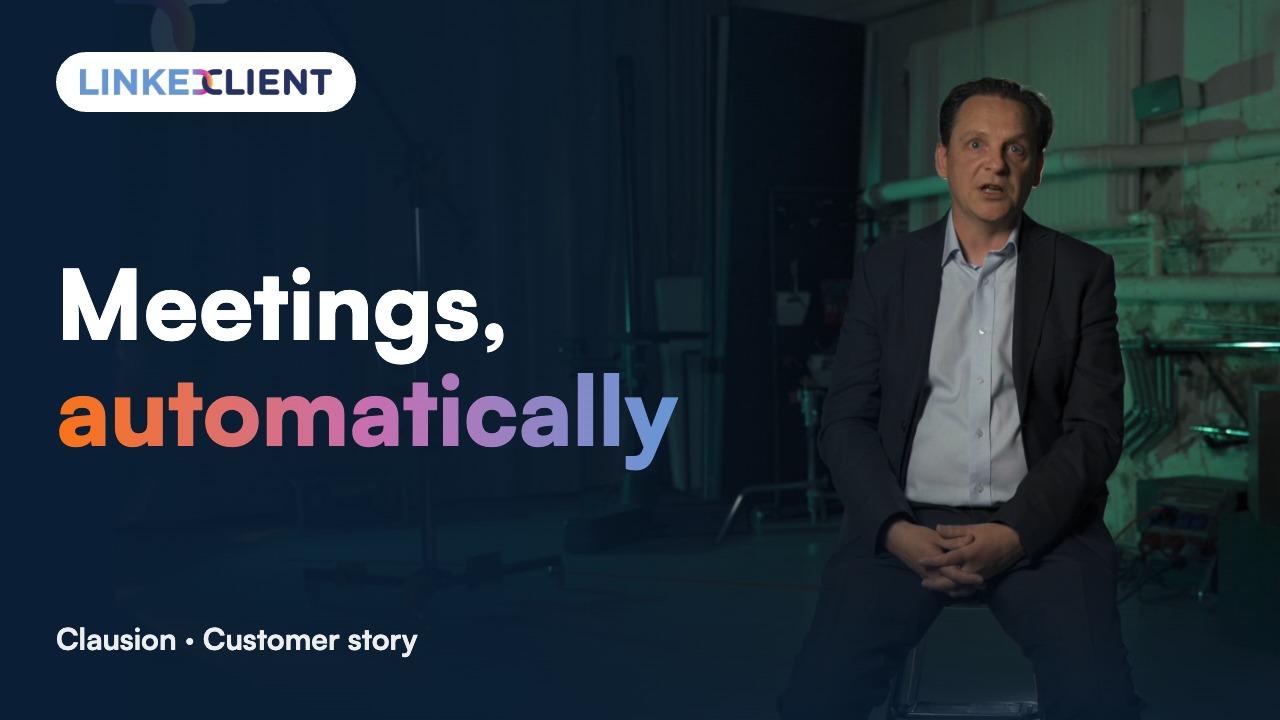
“We can pinpoint the people we want to contact and actually get meetings with them automatically.”
Keep reading
Acceptance rate
What a good rate is and how to raise yours.
Read the guideAutomate connection requests
The warm-up sequence that gets more people to accept.
Read the guideConnection request limits
How many requests you can send per week and month.
Read the guideLinkedIn message limit
How many messages you can safely send per day.
Read the guideQuestions about LinkedIn connection request messages
Can’t find your answer? Ask a real person.
Book a 30-min demoWhat is the character limit for a LinkedIn connection request message?
200 characters per note.
How many personalized connection requests can a free account send?
LinkedIn’s help center says free accounts can add a personal message to up to 3 connection requests a month. Premium members can personalize every request.
Should I add a note to my LinkedIn connection request?
Yes, when you can say something specific about the person. A generic note is no better than no note.
What should I write in a LinkedIn connection request?
Their name, one specific thing about them and one reason to connect. Leave the pitch for later.
What is the best LinkedIn connection request message for sales?
One that mentions something specific, like their post or company news, and gives a reason to connect that isn’t your product. Pitch only after they accept and reply.
Can LinkedClient write connection request notes for me?
Yes. Elsie writes a note for each person, based on research about them, wherever your LinkedIn plan allows a note.
Want a note written for every person, automatically?
Pick a plan and Elsie can start this week. Or book a 30-minute demo and we’ll show you who she would contact for your business.
From €199 per user/month excl. VAT · Human onboarding included