Create a LinkedIn outreach campaign with AI from one sentence, in two clicks
Describe who you want to reach. Elsie, LinkedClient’s AI sales assistant, turns it into LinkedIn searches, writes the messages and follow-ups, and the campaign is live after two clicks. Then she answers the replies and books the meetings.
To create a LinkedIn outreach campaign with AI, describe who you want to reach in one sentence, for example “founders at SaaS startups in the Nordics”. In LinkedClient, Elsie matches it against LinkedIn’s filters for job titles, industries, countries and company size, and shows you the searches. Approve the audience, approve the messages, and the campaign starts. Elsie then follows up, answers the replies and books the meetings. It works on any LinkedIn plan, including the free one.
How do you create a LinkedIn outreach campaign with AI?
- 1 · DescribeWrite one sentenceWho you want to reach, in your own words.
- 2 · CheckSee the searchesJob titles, industries, countries and company size. Edit anything.
- 3 · WriteMessages written for youThe opener and follow-ups, based on your sales profile.
- 4 · LaunchTwo clicksApprove the audience, approve the messages. It’s live.
- 5 · MeetReplies become meetingsElsie answers and books the meeting in your calendar.
How one sentence becomes a live LinkedIn campaign in LinkedClient

What can a LinkedIn outreach campaign include?
Connection requests
With a personal note, or a plain request so the conversation starts once they accept.
Messages and emails
An opener and follow-ups on LinkedIn, and emails from your own inbox, with the delays you set.
Profile visit
Elsie views their profile, so you show up among their profile viewers. Nothing is sent.
Like their latest post
A like on their newest post, if it’s no older than the 1 to 90 days you choose.
Company page invite
Once you’re connected, they’re invited to follow your company page.
Rewrite in your words
Ask for “shorter messages” or “a more casual tone” and Elsie rewrites the campaign.
How is an AI campaign different from templates?
| Template toolsyou build and run it | LinkedClientElsie builds and runs it | |
|---|---|---|
| Finding people | You build the search or upload a list | Describe them in one sentence |
| Messages | One template with a first-name tag | Written for this audience from your sales profile, or for each person in AI mode |
| Replies | You answer them yourself | Elsie answers, in your sales style |
| Meetings | You send a calendar link | Elsie agrees a time in the conversation and books it |
| CRM | Often a separate tool | Built in, updated from the conversations |
Describe your next campaign
Type who you want to reach, check the searches, and Elsie does the rest. You approve every message, or let her run.
How do you keep outreach campaigns personal and safe?
Check the audience
See every search before it runs, and remove anyone before their first message goes out.
Approve or autopilot
Approve each message, or switch on autopilot per channel once it sounds like you.
Stay within limits
Daily limits for every action, and nothing goes out outside your working hours.
No tool can promise zero risk on LinkedIn, so keep volumes reasonable and messages personal. Every edit you make teaches Elsie how you like to write. Read next: AI LinkedIn outreach with LinkedClient, all 104 features, how to automate LinkedIn likes and comments and does LinkedIn notify someone when you view their profile.
What results do LinkedClient customers get?
Real results from LinkedClient customers, with Elsie doing the outreach.
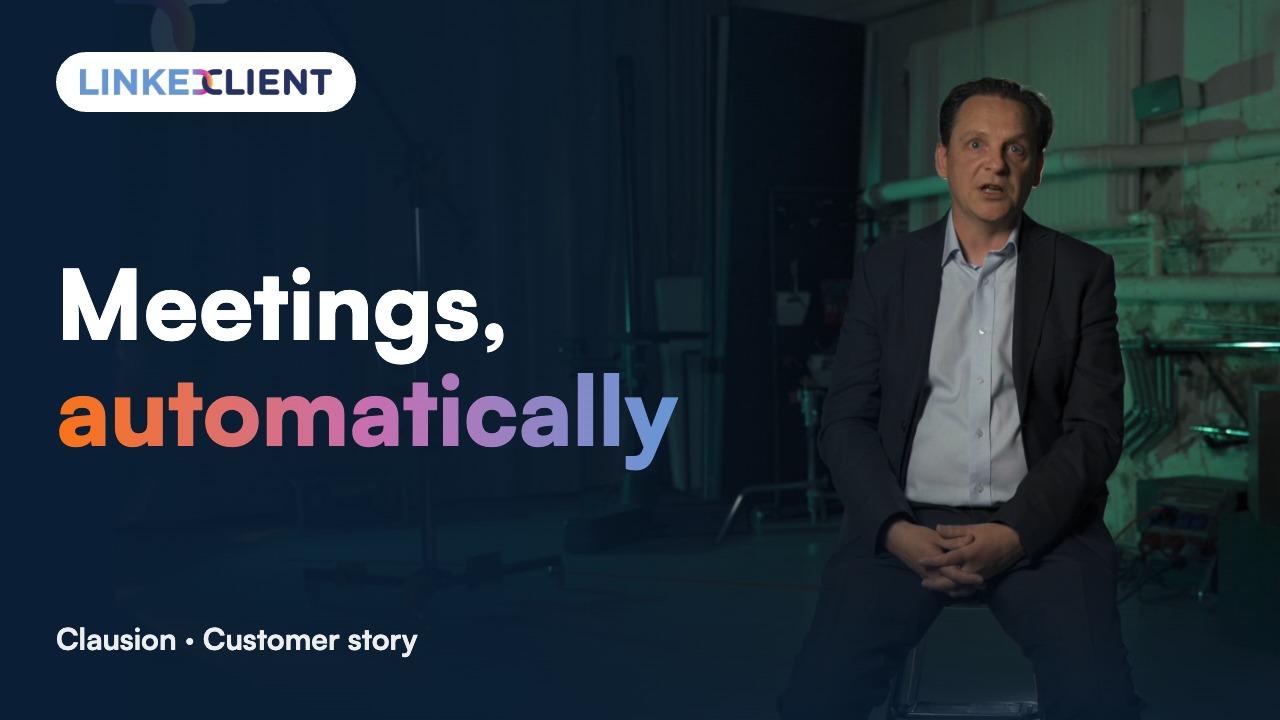
“We can pinpoint the people we want to contact and actually get meetings with them automatically.”
Keep reading
Follow up profile visitors
Templates and steps to turn views into conversations.
Read the guideIncoming connection requests
Accept and greet everyone who asks to connect.
Read the guideCompany page invitations
Invite your connections to follow your company page.
Read the guideLikes and comments
Warm up prospects by engaging with their posts.
Read the guideWhat is a LinkedIn outreach campaign?
A planned sequence of steps to a group of people you want to reach: a connection request, messages and follow-ups, often with a profile visit or a like first to warm them up. In LinkedClient, Elsie builds the audience and writes every step for you, then answers the replies and books the meetings.
How do I create a LinkedIn outreach campaign with AI?
In LinkedClient, describe who you want to reach in one sentence. Elsie turns it into LinkedIn searches you can check and edit, writes the opener and follow-ups, and the campaign is live after two clicks. Writing usually takes under a minute.
Can AI write my LinkedIn messages?
Yes. Elsie writes from your sales profile in the sales style you pick, answers each lead in their own language, and learns from every edit you make. You can approve every message before it goes out.
Do I need Sales Navigator to run LinkedIn outreach campaigns?
No. LinkedClient works on LinkedIn Basic (free), Premium, Sales Navigator and Recruiter. If you have Sales Navigator or Recruiter, you can also import their searches.
Are LinkedIn outreach campaigns safe for my account?
No tool can promise zero risk. LinkedClient keeps you within daily limits you set for every action, only sends within your working hours, and lets you approve every message. Keep volumes reasonable and messages personal.
What does it cost?
From €199 per user per month billed yearly, excl. VAT. Every plan includes all 104 features and onboarding with a real person. See plans and prices.
Ready to describe your first campaign?
Pick a plan and Elsie can start this week. Or book a 30-minute demo and we’ll show you who she would contact for your business.
From €199 per user/month excl. VAT · Human onboarding included