What is a good LinkedIn acceptance rate, and how do you raise it?
Your acceptance rate decides two things: how many conversations you get, and how many requests LinkedIn lets you send. Here is what counts as good, why requests get ignored, and seven ways to get more people to say yes.
Around 30 to 45 percent is good for cold B2B outreach, and over 45 percent is excellent. Below 20 percent is a warning sign: LinkedIn says invitations that are ignored, left pending or marked as spam can get you restricted. A high acceptance rate is also what lets an account send 150 to 200 requests a week instead of about 100. To raise it, write to people who fit, warm them up with a profile visit and a like, and add a short note when your plan allows one. LinkedClient runs that warm-up for every person on your list.
Key takeaways
- Good: 30 to 45 percent. Excellent: over 45 percent.
- Warning sign: under 20 percent.
- A high rate unlocks the higher weekly limit of 150 to 200 requests.
- Warm-up and targeting matter more than the note.
- Acceptance rate = accepted requests ÷ sent requests.
- LinkedClient average: 28% across 69,403 requests in 90 days.
What acceptance rate should you aim for?
| Acceptance rate | What it means | What to do |
|---|---|---|
| Under 20% | A warning sign | Fix your targeting and profile before you send more. |
| 20 to 30% | Average for cold outreach | Add a warm-up step and tighten who you write to. |
| 30 to 45% | Good | Keep going and build up your weekly volume. |
| Over 45% | Excellent | Usually warm prospects or a tight niche. You can safely send more. |
Work it out like this: accepted requests divided by sent requests, measured over two to four weeks. If you sent 120 requests and 42 were accepted, your rate is 35 percent.
LinkedClient data: across 69,403 connection requests sent through LinkedClient between 31 July and 28 October 2026, 28% were accepted. That is the average across all customers and all kinds of outreach, cold and warm.
These ranges come from benchmarks published by LinkedIn outreach tools, so treat them as a guide. Warm requests to people who already know your name do much better than cold ones.
Why do LinkedIn connection requests get ignored?
They don’t know you
A request from a stranger with no context is easy to ignore.
You are not relevant to them
If your headline has nothing to do with their work, there is no reason to connect.
Your profile looks unfinished
No photo, a vague headline or an empty About section makes people wary.
It looks like a pitch
A note that sells before you are connected gets ignored or reported.
How do you get more people to accept your connection request?
Write to people who fit
Pick people your product or service is relevant to. Fit beats volume.
Visit their profile first
Many people check who viewed them, so your name is familiar when the request arrives.
Like a recent post
A like a day or two before shows you pay attention to their work.
Add one specific line
Mention their post, their company or a shared interest. Free accounts can add a note to only a few requests a month. Steal one of our 15 connection request templates.
Fix your headline
Say who you help and how, so the reason to connect is obvious.
Send at a steady pace
A steady number on working days looks like a person, not a script.
Withdraw what is stuck
Withdraw requests that have been pending for 2 to 3 weeks. LinkedIn says you can’t invite the same person again for up to 3 weeks. Here is how to withdraw them.
Then build up your volume within LinkedIn’s connection request limits, and see how to automate the whole sequence.
How does LinkedClient raise your acceptance rate?

People who fit
Describe your ideal customer. Elsie finds and researches the people who match.
Profile visit and like
Each person gets a profile visit and a like on their latest post before the request.
A note written for them
Where your plan allows a note, Elsie writes it for one person, based on research about them.
More requests, safely
A high acceptance rate lets you build up to 150 to 200 requests a week within your limits.
Welcome on accept
When someone accepts, Elsie sends your welcome message and keeps the conversation going.
Approve or autopilot
Approve every message yourself, or let Elsie run once she sounds like you.
Let Elsie warm up every request
Book a 30-minute demo and we’ll show you who Elsie would contact for your business.
What results do LinkedClient customers get?
These results cover all of LinkedClient. Connection requests are one part of it.
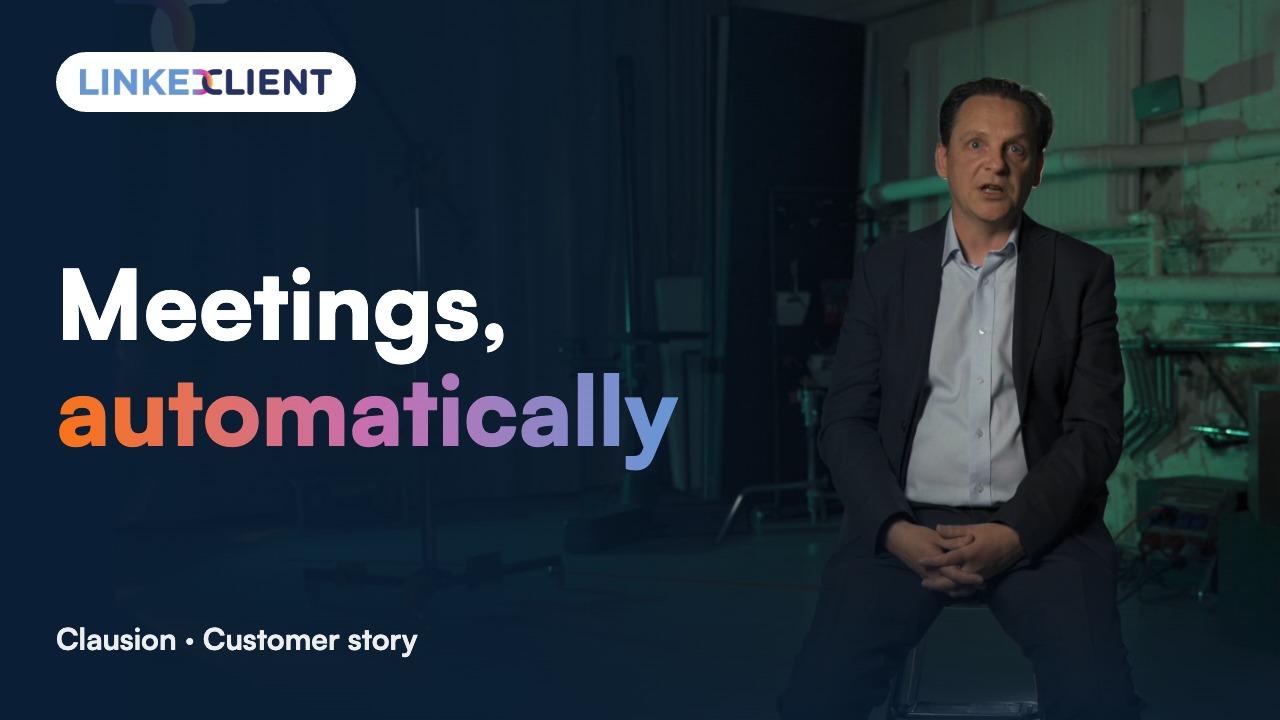
“We can pinpoint the people we want to contact and actually get meetings with them automatically.”
Keep reading
Connection request limits
How many requests you can send per week and month.
Read the guideAutomate connection requests
The warm-up sequence that gets more people to accept.
Read the guideShould you accept everyone?
A 30-second test for every request.
Read the guideGet more profile views
Views from the people you want to sell to.
Read the guideQuestions about LinkedIn acceptance rates
Can’t find your answer? Ask a real person.
Book a 30-min demoWhat is a good LinkedIn connection acceptance rate?
Around 30 to 45 percent for cold B2B outreach, and over 45 percent is excellent. Under 20 percent is a warning sign that your targeting, profile or approach needs work.
How do I calculate my LinkedIn acceptance rate?
Divide accepted requests by sent requests over two to four weeks. 42 accepted out of 120 sent is 35 percent.
Can a low acceptance rate get my LinkedIn account restricted?
Yes. LinkedIn says your account may be restricted from sending invitations if many of them are ignored, left pending or marked as spam.
Does a high acceptance rate increase my weekly limit?
Yes. Accounts with a high acceptance rate can send 150 to 200 requests a week, while established accounts usually sit around 100.
Do personal notes increase acceptance?
A short, specific note helps people see why you are reaching out. Free LinkedIn accounts can add a note to only a few requests a month, so on a free account the warm-up with a profile visit and a like matters even more.
How does LinkedClient improve acceptance rates?
Elsie writes to people who fit your ideal customer, visits their profile and likes their latest post before connecting, and adds a personal note where your plan allows it. Everything runs within the daily limits you set.
Want more of your connection requests accepted?
Pick a plan and Elsie can start this week. Or book a 30-minute demo and we’ll show you who she would contact for your business.
From €199 per user/month excl. VAT · Human onboarding included