Can you see who viewed your LinkedIn post?
Your post got thousands of impressions, but who were they? Here is exactly what LinkedIn shows you, what only Premium shows, and how to turn the people who noticed you into conversations.
Not by name. Post analytics show how many people saw your post and what kind of people they are, plus the names of everyone who reacted, commented or reposted. Premium members also get a list of people who viewed their profile within the first month after a post, up to 100 of them. Those profile viewers are your warmest leads. LinkedClient follows them up for you: Elsie checks who looked at your profile and writes to them for you.
Key takeaways
- You can’t see everyone who viewed a post by name.
- You can see everyone who reacted, commented or reposted.
- Analytics show impressions, reach and your audience’s job titles and companies.
- Premium lists up to 100 people who viewed your profile after a post.
- LinkedClient follows up your profile viewers automatically.
What does LinkedIn show you about a post?
| In post analytics | What it tells you | Who sees it |
|---|---|---|
| Impressions | How many times your post was shown | Everyone |
| Members reached | How many different people saw it | Everyone |
| In and out of network | How much reach came from your network and how much from new people | Everyone |
| Audience details | Job titles, companies, industries and locations of viewers | Everyone |
| Reactions, comments and reposts | The names of everyone who engaged | Everyone, publicly |
| Profile viewers from this post | How many people clicked through to your profile | Everyone |
| Who viewed your profile after this post | The people themselves, up to 100, for posts under 90 days old | Premium only |
To open them, click the analytics link under one of your posts. The names in the last row depend on each viewer’s privacy settings.
How do you find out who saw your LinkedIn post?
Open your post
Go to your profile, open Activity and pick the post.
Click the analytics
You’ll see impressions, members reached and your audience.
Scroll to the people
Reactions, comments and reposts list everyone who engaged.
Check profile viewers
On Premium, see who viewed your profile after this post. On free, check who viewed your profile.
What should you do with the people who saw your post?
Reply to every comment the same day
Commenters are your most engaged audience.
Look at who reacted
Reactions are public. Check who fits your ideal customer.
Follow up profile viewers
People who clicked through to your profile are curious about you.
Write within a day or two
Send a connection request or a short, friendly message while they still remember your post.
Our guide on following up LinkedIn profile visitors has message templates you can copy, and this guide shows how to get more of them.
How does LinkedClient turn post viewers into meetings?

Visitor checks
Elsie checks who viewed your profile every day, including the people your posts sent there.
Requests to new visitors
Viewers you aren’t connected with get a connection request.
A message written for them
Connected viewers get a short message, and Elsie books the meeting in your calendar.
Likes and comments
Elsie likes the posts of people in your list, so they keep seeing your name.
Turn post viewers into conversations
Book a 30-minute demo and we’ll show you who Elsie would contact for your business.
What results do LinkedClient customers get?
These results cover all of LinkedClient. Following up profile visitors is one part of it.
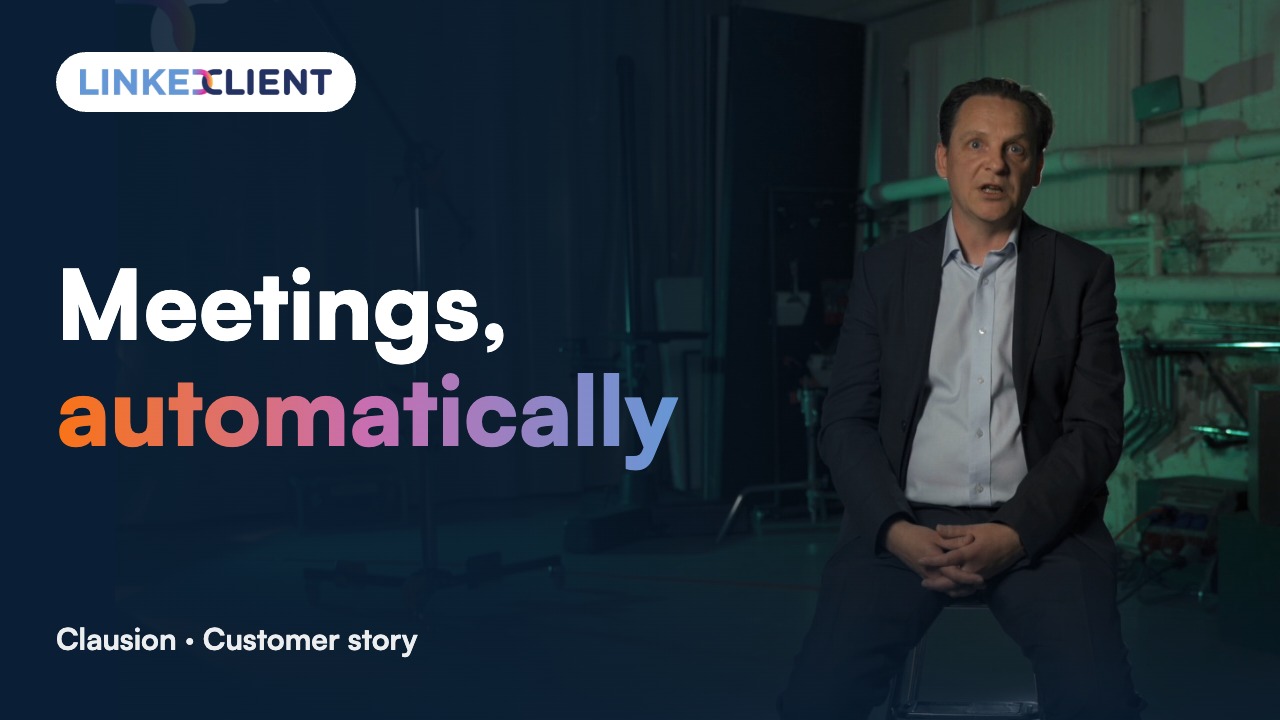
“We can pinpoint the people we want to contact and actually get meetings with them automatically.”
Keep reading
Questions about LinkedIn post viewers
Can’t find your answer? Ask a real person.
Book a 30-min demoCan you see who viewed your LinkedIn post?
Not by name. Post analytics show impressions, reach and the job titles, companies and locations of your audience, plus the names of everyone who reacted, commented or reposted.
Can LinkedIn Premium show who viewed my post?
Premium shows who viewed your profile within the first month after a post, up to 100 people, for posts under 90 days old. It doesn’t list everyone who saw the post itself.
Does LinkedIn tell people when I view their post?
No. Viewing a post doesn’t notify the author. Reacting or commenting does.
What is the difference between impressions and members reached?
Impressions count every time your post was shown. Members reached counts the different people who saw it. LinkedIn notes both are estimates.
How does LinkedClient help after I post?
Elsie checks who viewed your profile, sends connection requests to visitors you aren’t connected with and writes to them for you, so the people your posts attract turn into conversations.
Want every post to turn into conversations?
Pick a plan and Elsie can start this week. Or book a 30-minute demo and we’ll show you who she would contact for your business.
From €199 per user/month excl. VAT · Human onboarding included