White label branding: your logo, colours, domain and AI assistant name on every screen
Your clients should only ever see your company. LinkedClient white label branding puts your logo, colours, domain, login page, emails and AI assistant name on the platform, so it looks like your own product from the first login.
Your brand on your own domain · No card needed · No call needed
With LinkedClient white label you brand the whole platform: your own domain or a subdomain we host, your name and logo on every screen in your colours, your login page, emails from your own domain, your own support channels and tutorial videos, links to your own terms and privacy policy, and your own name for the AI assistant. “Powered by LinkedClient” can be hidden, and you can change your branding any time in your partner panel. Want to see it with your own brand first? Start a free white label trial on your own domain, with no card and no call needed.
Key takeaways
- Your domain, name, logo and colours on every screen.
- Your login page, your emails and your support channels.
- Give the AI assistant any name that fits your brand.
- Hide “Powered by LinkedClient”, so your clients only see you.
- Change your branding any time in your own partner panel.
What can you brand with LinkedClient white label?
| Part | Your version | Where your clients see it |
|---|---|---|
| Domain | Your own domain, or a subdomain we host | In the address bar every time they log in |
| Name and logo | Your company name and logo | On every screen of the platform |
| Colours | Your brand colours | Across the whole platform |
| AI assistant | Any name you choose, instead of Elsie | Wherever the assistant talks to your clients |
| Login page | Your headline, tagline, colours and image | The first page they see |
| Emails | Sent from your own domain | Every email to your clients |
| Support | Your chat widget, support email and help links | Whenever they need help |
| Tutorial videos | Your own videos | Where they learn the platform |
| Legal | Links to your terms and privacy policy | Sign-up and footer links |
| Footer | “Powered by LinkedClient” hidden | Nowhere, if you choose |
Your branding is managed in your own partner panel, protected by two-step login for every partner admin.
What does a fully branded platform look like?
Your domain
Clients log in at your address, not ours.
Your name and logo
On every screen, in your own colours.
Your AI assistant’s name
“Ava: I booked 3 meetings for you today.”
Your login page
Your headline, tagline, colours and image.
Your emails
Every email to your clients comes from your own domain.
Your support
Your own chat widget, support email and help links.
Tidewell is a made-up example brand, with its AI assistant named Ava. Nothing on the screen says LinkedClient.
How do you set up your white label branding?
Share your brand
Start a free white label trial: upload your logo, choose your colours and name your AI assistant. No card and no call needed.
We set up your brand
Use your own domain, where you add a few DNS records, or a subdomain we host. We do the rest.
Adjust it any time
Change your logo, colours, login page and links whenever you like in your own partner panel.
No developers and no design work on our platform: you bring your brand, we put it on every screen.
Will your clients ever see LinkedClient?
No. Your clients log in on your domain, see your name and logo, get emails from your domain and contact your support. “Powered by LinkedClient” can be hidden.
Behind your brand, they get the same AI sales platform LinkedClient’s own customers use to book meetings on LinkedIn and email. Every new feature reaches your clients automatically, under your brand. Read how white label works or how white label setup works.
What sits behind your brand?
The platform your clients use every day: campaigns on LinkedIn and email, written and followed up by the AI assistant you named.

Leads from one sentence
Describe who you want to reach, or import a LinkedIn, Sales Navigator or Recruiter search.
Personal messages
Elsie researches each person and company and writes connection requests, messages and emails.
Answers in five minutes
On autopilot Elsie answers replies within five minutes and handles common objections.
Meetings in your calendar
Elsie agrees a time in the conversation and books it, with no calendar link.
| LinkedClient | At a glance |
|---|---|
| What it is | An AI sales assistant. Elsie finds leads, writes to them on LinkedIn and email, answers replies and books meetings. |
| Free trial | 14 days, no card needed. Then $79 for your first month. |
| Price after that | Starter $149 per user per month, or $129 billed annually. Professional (2+ users) $299, or $249 billed annually. All 109 features in every plan. |
| Works on | LinkedIn Basic, Premium, Sales Navigator and Recruiter |
| Meetings | Booked in the conversation, without calendar links, in Google or Microsoft calendars |
| Connects to | HubSpot, Pipedrive, Salesforce, Zapier, webhooks and a public API |
| Compliance | GDPR and EU AI Act compliant |
| Setup | Live in about 15 minutes, with onboarding from a real person |
See your brand on the platform
Upload your logo, pick your colour and see your own AI sales platform in seconds. Then start a free white label trial on your domain, with no card and no call needed.
What results do LinkedClient customers get?
These results come from the LinkedClient platform, the same one your clients would use under your brand.
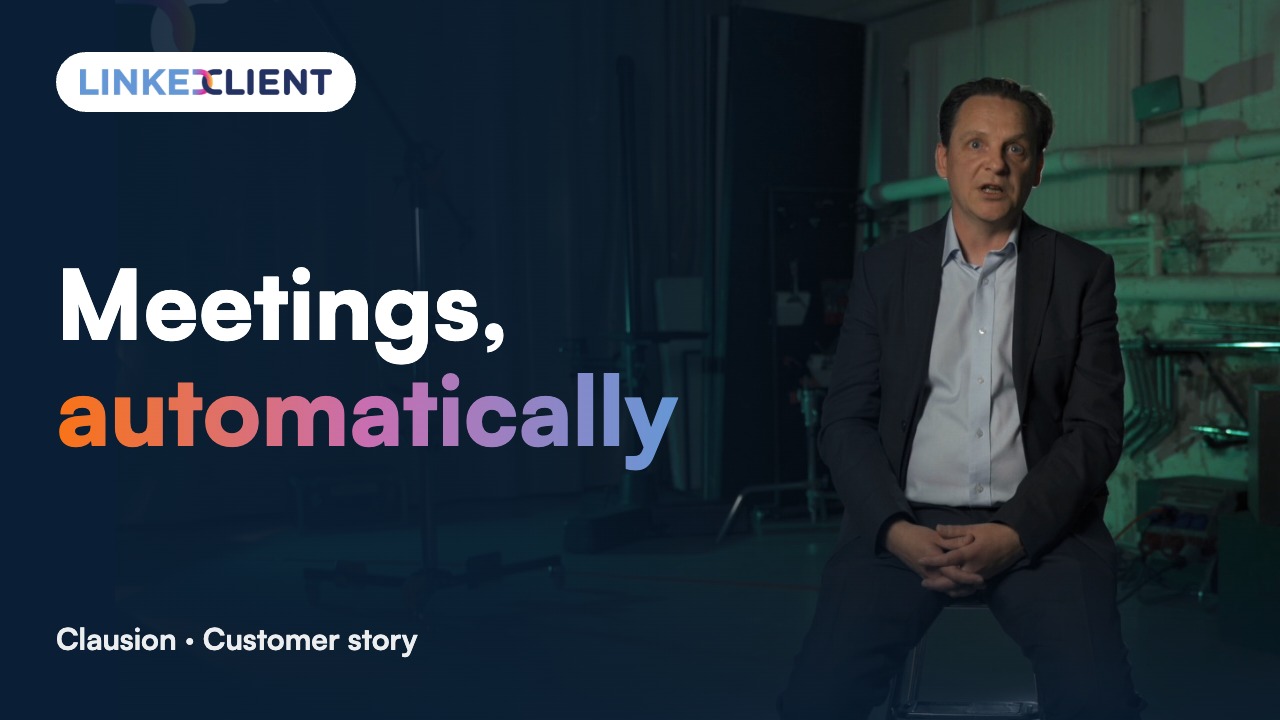
“We can pinpoint the people we want to contact and actually get meetings with them automatically.”
Keep reading
Questions about white label branding
Can’t find your answer? Ask a real person.
Book a partner callCan I use my own logo?
Yes. Your logo and company name are on every screen, in your own colours.
Can I use my own domain?
Yes. Use your own domain, where you add a few DNS records, or a subdomain we host for you.
Do I need a developer to set up my branding?
No. You fill in your brand in the free white label trial and we set it up. With your own domain you only add a few DNS records, and we guide you.
Can I change my branding later?
Yes. Change your branding any time in your own partner panel, which is protected by two-step login for every partner admin.
Can I rename the AI assistant?
Yes. Rename Elsie to anything that fits your brand.
Will my clients get emails from LinkedClient?
No. Every email to your clients comes from your own domain.
Can I hide “Powered by LinkedClient”?
Yes. You can hide it, so your clients only see your brand.
What does white label cost?
Price on request. You pay a monthly fee per active licence, counted on your peak for the month, and you choose what your clients pay.
Put your brand on an AI sales platform
Start a free white label trial: upload your logo, see your platform at once, and we set it up on your own domain. No card and no call needed. Prefer to talk first? Book a partner call.
Your brand on your own domain · No card needed · No call needed