Speed to lead: why fast replies book more meetings and how to respond in minutes
Interest fades fast. A prospect who fills in a form or replies to your message is most interested in the minutes after, and much less a day later. Here is what the research says, why replies to outreach count too, and how to respond in minutes without being glued to your inbox.
Speed to lead is how quickly you respond to a new lead or an interested reply. It matters because interest fades within hours: in a Harvard Business Review study, firms that tried to contact a potential customer within an hour of an inquiry were nearly seven times as likely to qualify the lead as those that waited even an hour longer, and over 60 times as likely as those that waited a day or more. Aim to answer within minutes during working hours, with a short, helpful reply that suggests a next step. LinkedClient answers replies on LinkedIn and email within five minutes on autopilot and books the meeting in the conversation. You can try it free for 14 days, no card needed, and your first month after the trial is $79.
Key takeaways
- Interest fades within hours.
- Within the hour beats later by a wide margin.
- Replies to outreach are leads too.
- A fast, short, helpful reply beats a slow, perfect one.
- Suggest a next step in the first reply.
What does the research say about lead response time?
A Harvard Business Review study of how companies respond to online leads found that firms that tried to contact a potential customer within an hour of an inquiry were nearly seven times as likely to qualify the lead as those that waited even an hour longer, and more than 60 times as likely as companies that waited 24 hours or more.
The same study found many companies were slow to respond at all. Being fast is still an easy way to stand out.
Which leads need a fast response?
| Lead | Why speed matters |
|---|---|
| Website form or demo request | They’re comparing suppliers right now |
| Interested reply to outreach | They’ve just thought about your offer |
| Free trial sign-up | They’re trying to solve a problem today |
| Referral introduction | The referrer’s credibility is on the line |
| Profile visitor or new connection | Their curiosity is at its peak |
How do you respond to leads within minutes?
Route leads to one place
One inbox for forms, LinkedIn and email, so nothing is missed.
Set response hours
Decide who covers which hours, including lunch.
Prepare short answers
Replies to the most common questions, ready to adapt.
Suggest times straight away
Two specific times beat “let me know when suits you”.
Automate the first reply
A fast, relevant first answer, with a person taking over when needed.
Measure response time
Track the time from lead to first reply every week.
An AI SDR answers replies automatically, so a lead doesn’t sit waiting until someone has time.
What should the first reply to a lead say?
Short, helpful and with a next step:
Form or trial: “Hi Sara, thanks for signing up. Most teams like yours start by connecting LinkedIn and describing who they want to reach. Want me to walk you through it tomorrow at 10 or 14?”
Reply to outreach: “Great to hear, Jonas. Would Thursday at 10 or Friday at 9 work for 15 minutes?”
See sales follow-up for what to send if they don’t answer.
How does LinkedClient respond to leads in minutes?
Nobody can watch their inbox all day. LinkedClient does it for you: on autopilot, Elsie answers replies on LinkedIn and email within five minutes, handles common questions, suggests times and books the meeting in the conversation, and hands anything tricky to you.
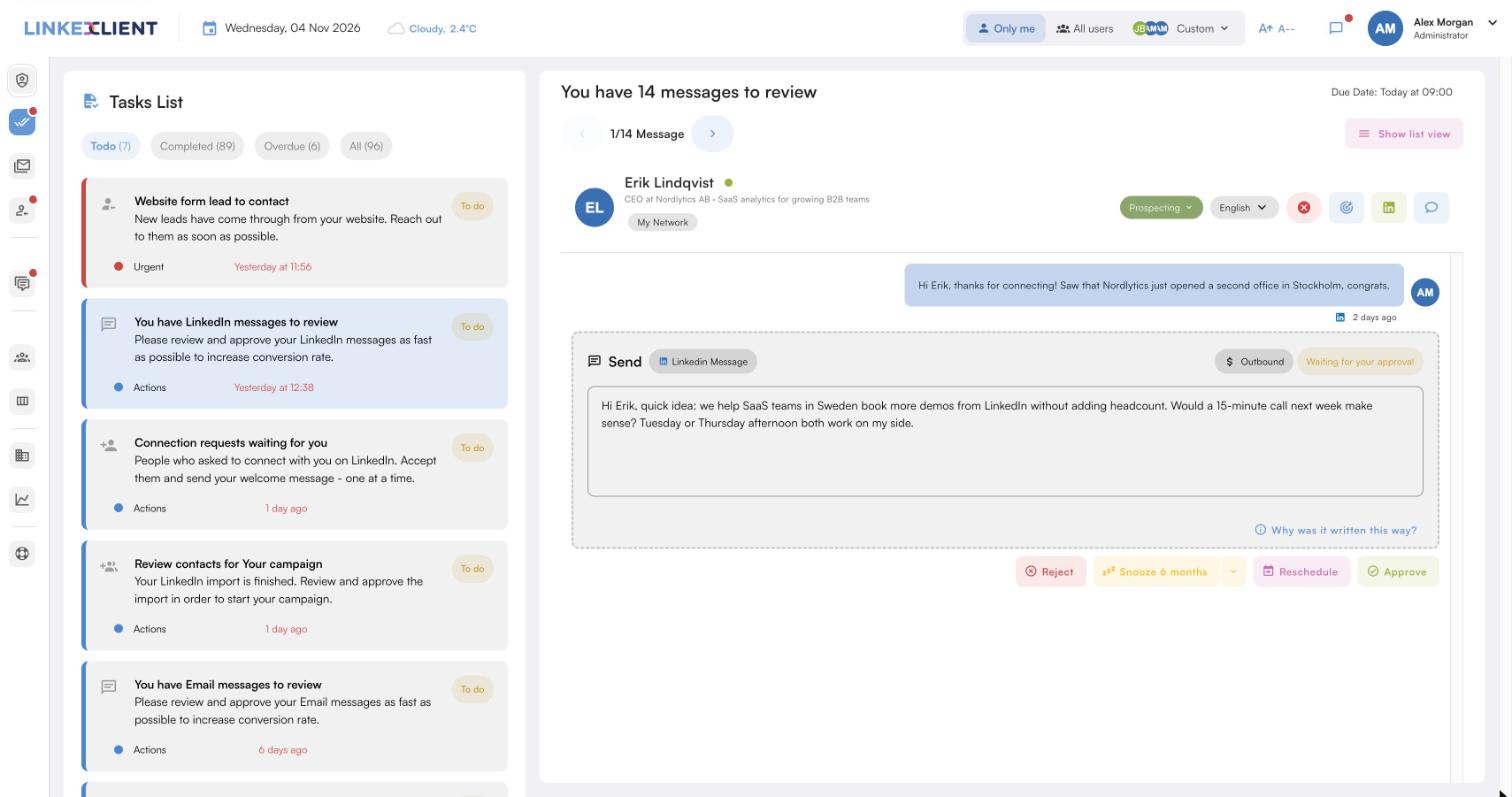
Replies within five minutes
On autopilot, Elsie answers LinkedIn and email replies within five minutes.
One inbox
LinkedIn and email conversations in one place.
Times suggested straight away
Elsie suggests times and books the meeting in the conversation.
Website contact form
A form for your site that sends new leads straight into your CRM.
| LinkedClient | At a glance |
|---|---|
| What it is | An AI sales assistant. Elsie finds leads, writes to them on LinkedIn and email, answers replies and books meetings. |
| Free trial | 14 days, no card needed. Then $79 for your first month. |
| Price after that | Starter $149 per user per month, or $129 billed annually. Professional (2+ users) $299, or $249 billed annually. All 109 features in every plan. |
| Works on | LinkedIn Basic, Premium, Sales Navigator and Recruiter |
| Meetings | Booked in the conversation, without calendar links, in Google or Microsoft calendars |
| Connects to | HubSpot, Pipedrive, Salesforce, Zapier, webhooks and a public API |
| Compliance | GDPR and EU AI Act compliant |
| Setup | Live in about 15 minutes, with onboarding from a real person |
Answer every lead in minutes
Try it free for 14 days, no card needed, then just $79 for your first month. Or book a 30-minute demo and we’ll show you who Elsie would contact for your business.
What results do LinkedClient customers get?
These results cover all of LinkedClient. Answering fast is one part of it.
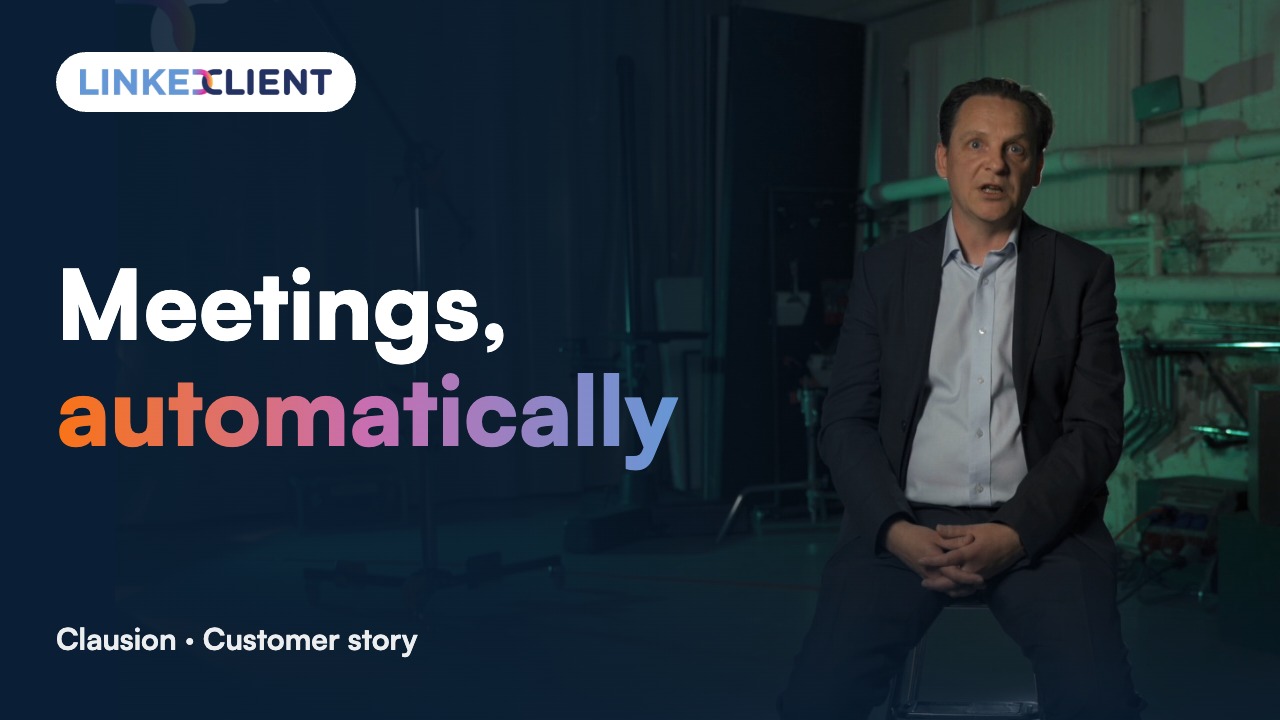
“We can pinpoint the people we want to contact and actually get meetings with them automatically.”
Keep reading
What is speed to lead?
How quickly you respond to a new lead or an interested reply, measured from the moment they reach out to your first response.
How fast should you respond to a lead?
Within minutes during working hours, and certainly within the hour. Research shows the chance of qualifying a lead drops sharply after that.
What did the Harvard Business Review study find?
Firms that tried to contact a lead within an hour were nearly seven times as likely to qualify it as those that waited an hour longer, and over 60 times as likely as those that waited 24 hours or more.
Does speed to lead matter for outbound replies?
Yes. A prospect who replies to your outreach is thinking about your offer right then. Answer while they are.
How do you improve lead response time?
Route all leads to one inbox, set response hours, prepare short answers, suggest times in the first reply and automate the first response.
Can AI respond to leads?
Yes. AI can answer common questions instantly and book meetings, while handing complex conversations to a person.
How do you measure speed to lead?
Track the time between a lead coming in, or a prospect replying, and your first response, and report the median every week.
How does LinkedClient respond to leads?
On autopilot Elsie answers LinkedIn and email replies within five minutes, suggests times and books the meeting, and passes tricky cases to you. Try it free for 14 days, then pay $79 for your first month.
Want every lead answered within minutes?
Start your free 14-day trial today and Elsie can start this week. If you keep going, your first month is just $79. Or book a 30-minute demo and we’ll show you who she would contact for your business.
14 days free · No card needed · $79 for your first month