Sales playbook: what to include and a template for small B2B teams
A sales playbook writes down what works, so every person who sells does it the same good way. The best ones are short, full of examples and updated every month. Here are the eight sections to include, examples of plays, and how to build one in a week.
A sales playbook is a short, practical guide to how your company sells: who you sell to, what you say, which channels and cadence you use, how you qualify, how you handle objections, the stages of your process and the numbers you track. It should include concrete plays, such as what to do when a prospect views your profile or a target company raises money. Keep it around ten pages, base it on what your best seller already does and update it monthly. LinkedClient runs the outreach plays in your playbook: Elsie follows the audience, tone and cadence you set, on LinkedIn and email. You can try it free for 14 days, no card needed, and your first month after the trial is $79.
Key takeaways
- Eight sections, around ten pages.
- Base it on what already works.
- Plays: a trigger plus what to do.
- Real examples beat theory.
- Update it every month.
What should a sales playbook include?
| Section | What it covers |
|---|---|
| Who we sell to | Your ideal customer profile and buyer personas |
| What we say | Your value proposition and proof points |
| Channels and cadence | Which channels, how many touches and how far apart. See sales cadence. |
| Messages and talk tracks | Example messages, emails and call openers |
| Qualification | What makes a lead worth sales time. See lead qualification. |
| Objections | Common objections and good answers. See objection handling. |
| Process and stages | The stages from first contact to signed deal, and what moves a deal on |
| Numbers | The metrics you track every week. See sales metrics. |
What is a sales play, with examples?
A play is a trigger plus what to do about it. Plays turn a playbook from theory into daily actions.
- Profile visitor: someone who fits views your profile, so you connect with a short note within a day.
- New hire: a target company hires for a role related to what you sell, so you write to the hiring manager.
- Funding: a target company raises money, so you congratulate them and share one relevant idea.
- Not now: a prospect asks you to come back later, so you set a date and return with something new.
- New leader: a new head of the department you serve starts, so you introduce yourself in their first months.
- Event: you’re attending an industry event, so you message attendees before and after.
How do you create a sales playbook in a week?
Interview your best seller
Or yourself, if you’re the founder. Ask what they actually do, not what they think they should do.
Collect real examples
Messages that got replies, calls that went well, objections that came up.
Write the eight sections
One page each at most. Use examples instead of explanations.
Add five plays
The triggers you see most often in your market.
Test it with someone new
Can a new person follow it without asking you?
Review it monthly
Remove what no longer works and add what does.
What are common sales playbook mistakes?
- Too long. A 60-page document nobody opens after onboarding.
- Theory instead of examples. Real messages teach more than frameworks.
- Never updated. Markets change; playbooks should too.
- Stored in the wrong place. Put it where your team works every day.
- Nobody owns it. Name one person responsible for keeping it current.
How does LinkedClient run the plays in your playbook?
A playbook tells your team what to do. LinkedClient does the top of it for them: Elsie runs the outreach plays you define on LinkedIn and email, with the audience, cadence, tone and rules you set, so every prospect gets the same quality of first touch, whoever is busy that week.

Campaign from one sentence
Describe who to reach and why, and Elsie builds the campaign.
Instructions per language
Add rules for tone and wording, separately for each language.
Five sales styles
Relationship, consultative, solution-oriented, direct or high-pressure. You pick.
Team view
On Professional, see every person’s pipeline and statistics together.
| LinkedClient | At a glance |
|---|---|
| What it is | An AI sales assistant. Elsie finds leads, writes to them on LinkedIn and email, answers replies and books meetings. |
| Free trial | 14 days, no card needed. Then $79 for your first month. |
| Price after that | Starter $149 per user per month, or $129 billed annually. Professional (2+ users) $299, or $249 billed annually. All 109 features in every plan. |
| Works on | LinkedIn Basic, Premium, Sales Navigator and Recruiter |
| Meetings | Booked in the conversation, without calendar links, in Google or Microsoft calendars |
| Connects to | HubSpot, Pipedrive, Salesforce, Zapier, webhooks and a public API |
| Compliance | GDPR and EU AI Act compliant |
| Setup | Live in about 15 minutes, with onboarding from a real person |
Run your playbook on autopilot
Try it free for 14 days, no card needed, then just $79 for your first month. Or book a 30-minute demo and we’ll show you who Elsie would contact for your business.
What results do LinkedClient customers get?
These results cover all of LinkedClient. Running the same good plays every day is one part of it.
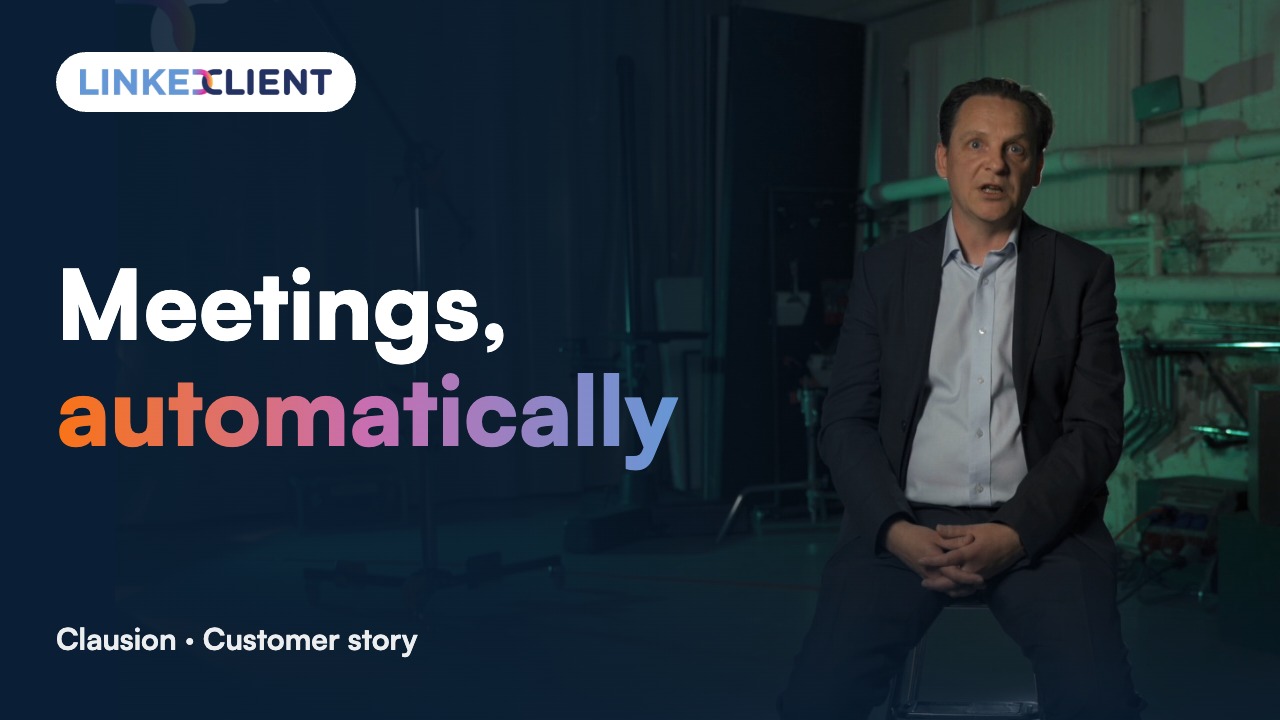
“We can pinpoint the people we want to contact and actually get meetings with them automatically.”
Keep reading
What is a sales playbook?
A short guide to how your company sells: who you target, what you say, which channels you use, how you qualify and handle objections, and which numbers you track.
What should a sales playbook include?
Ideal customer and personas, value proposition, channels and cadence, example messages, qualification, objection handling, process stages and metrics.
How long should a sales playbook be?
Around ten pages is enough for most small B2B teams. If people don’t open it, it’s too long.
What is a sales play?
A trigger plus the action to take, such as writing to a prospect within a day after they view your profile.
Who should write the sales playbook?
The person who sells best, often the founder in a small company, with help from whoever will use it.
How often should you update a sales playbook?
Review it monthly and update it whenever something stops working or a new message clearly works better.
What is the difference between a sales playbook and a sales plan?
A playbook describes how you sell: who you target, what you say and how you handle situations. A sales plan sets targets and activities for a period.
Is there a B2B sales playbook template?
Use the eight sections in the table above as headings, one page each, plus five plays based on the triggers you see most.
How does LinkedClient fit into a sales playbook?
Elsie runs the outreach plays on LinkedIn and email with the audience, cadence, style and rules you set, and books meetings for whoever closes. Try it free for 14 days, then pay $79 for your first month.
Want your playbook to run itself every day?
Start your free 14-day trial today and Elsie can start this week. If you keep going, your first month is just $79. Or book a 30-minute demo and we’ll show you who she would contact for your business.
14 days free · No card needed · $79 for your first month