Sales automation: what to automate, what to keep human and which tools to use
Sales automation means letting software do the repetitive parts of selling: building lead lists, sending first messages and follow-ups, updating the CRM and booking meetings. Done well, your team spends its time in conversations instead of admin. Here is what to automate first, what to keep human, and how the main types of tools compare.
Sales automation is software that handles repetitive sales tasks for you, such as building lead lists, sending first messages and follow-ups, logging activity in your CRM and scheduling meetings. Start with the tasks that are frequent, follow clear rules and are easy to check: lead research, follow-ups and CRM updates. Keep the parts that need judgment human, like discovery calls, pricing and closing. LinkedClient automates the whole path from lead to booked meeting: its AI sales assistant Elsie finds leads, writes to them on LinkedIn and email, answers replies and books meetings in your calendar. You can try it free for 14 days, no card needed, and your first month after the trial is $79.
Key takeaways
- Automate tasks that are frequent, rule-based and easy to check.
- Follow-ups are the easiest win: most people stop too early.
- Keep discovery, pricing and closing human.
- Four tool types: CRM workflows, sequencing, data and AI sales assistants.
- Measure meetings booked, not messages sent.
Which sales tasks should you automate?
A simple test: if a new hire could follow the task from a written checklist on day one, software can probably do it. If it depends on reading the room, keep it.
| Task | Automate? | Why |
|---|---|---|
| Building lead lists | Yes | Rules like job title, industry and company size are easy to apply. |
| Researching each lead | Yes, and check the output | Software can read a profile and a website in seconds. |
| First messages | Yes, with approval at first | Personal first lines can be written from the research. Approve until you trust the tone. |
| Follow-ups | Yes | Many replies come after a follow-up, and people forget to send them. |
| CRM updates | Yes | Nobody likes logging activity. Software does it without gaps. |
| Booking meetings | Yes | Going back and forth about times is pure admin. |
| Discovery calls | No | You need to listen and ask the right next question. |
| Pricing and negotiation | No | Every deal is different and trust is on the line. |
What types of sales automation tools are there?
Rules inside your CRM
Move deals between stages, create tasks and send reminders. Good for a tidy pipeline, but they don’t start new conversations.
Email and LinkedIn sequences
Send a fixed series of messages on a schedule. Quick to set up, but every lead gets the same words and someone still has to answer.
Lead lists and contact details
Find companies and people that match your filters and add emails and phone numbers. You get names, not meetings.
Research, writing, replies and booking
Research each lead, write a personal message, answer replies and book the meeting. The whole path from lead to calendar.
Many teams end up stitching three or four tools together: a database for leads, a sequencer for messages, a CRM for the pipeline and a scheduling link for meetings. Each tool works, but the handovers between them are where leads get lost. An AI sales assistant like LinkedClient does all four jobs in one place.
The newest type is an AI SDR, which runs outreach from finding leads to booking meetings. For LinkedIn specifically, we compare the main options in the best LinkedIn automation tools.
How do you start with sales automation?
You don’t need a big project. This order gets you results in the first week and keeps you in control.
Write down your ideal customer
Industry, company size, region and the job titles of the people who buy. Every automated step follows this rule.
Map your current process
List every step from finding a lead to a booked meeting, and mark the ones you repeat every day.
Automate follow-ups first
Set a cadence of three to five touches over two to three weeks. On its own, this often lifts replies.
Approve before autopilot
Read the first week of automated messages yourself. Fix the tone, then let the tool send on its own.
Connect your calendar and CRM
Replies and meetings should land where your team already works, without copying anything by hand.
Track meetings booked
Review replies, meetings and pipeline every week, and change one thing at a time.
For the rhythm of follow-ups, see sales cadence. For where AI fits best, see AI in sales.
What are the risks of sales automation?
Automation makes it easy to send more. That is also the main risk.
Relevance matters more than volume: in a 2025 Gartner survey of 632 B2B buyers, 73% said they actively avoid suppliers who send irrelevant outreach.
- The same message to everyone. People spot templates and ignore them.
- Going over platform limits. LinkedIn restricts accounts that send too many requests. See the LinkedIn connection request limit.
- Burning your email domain. Gmail requires senders to authenticate their domain, and bulk senders must offer one-click unsubscribe and keep reported spam below 0.3%.
- Bad data. Automating outreach to the wrong people only gets you to the wrong answer faster.
- Nobody answering. A reply that waits two days often goes cold.
How does LinkedClient automate sales from lead to meeting?
Most sales automation tools automate one step and leave the rest to you. LinkedClient automates the whole path: Elsie finds the right people, writes to each one on LinkedIn and email, answers replies within five minutes and books the meeting in the conversation. You approve as much or as little as you like, and you show up for the meetings.

Leads from one sentence
Describe who you want to reach, or import a LinkedIn, Sales Navigator or Recruiter search.
Personal messages
Elsie researches each person and company and writes connection requests, messages and emails.
Answers in five minutes
On autopilot Elsie answers replies within five minutes and handles common objections.
Meetings in your calendar
Elsie agrees a time in the conversation and books it, with no calendar link.
| LinkedClient | At a glance |
|---|---|
| What it is | An AI sales assistant. Elsie finds leads, writes to them on LinkedIn and email, answers replies and books meetings. |
| Free trial | 14 days, no card needed. Then $79 for your first month. |
| Price after that | Starter $149 per user per month, or $129 billed annually. Professional (2+ users) $299, or $249 billed annually. All 109 features in every plan. |
| Works on | LinkedIn Basic, Premium, Sales Navigator and Recruiter |
| Meetings | Booked in the conversation, without calendar links, in Google or Microsoft calendars |
| Connects to | HubSpot, Pipedrive, Salesforce, Zapier, webhooks and a public API |
| Compliance | GDPR and EU AI Act compliant |
| Setup | Live in about 15 minutes, with onboarding from a real person |
Automate everything up to the meeting
Try it free for 14 days, no card needed, then just $79 for your first month. Or book a 30-minute demo and we’ll show you who Elsie would contact for your business.
What results do LinkedClient customers get?
These results cover all of LinkedClient. Automating outreach is one part of it.
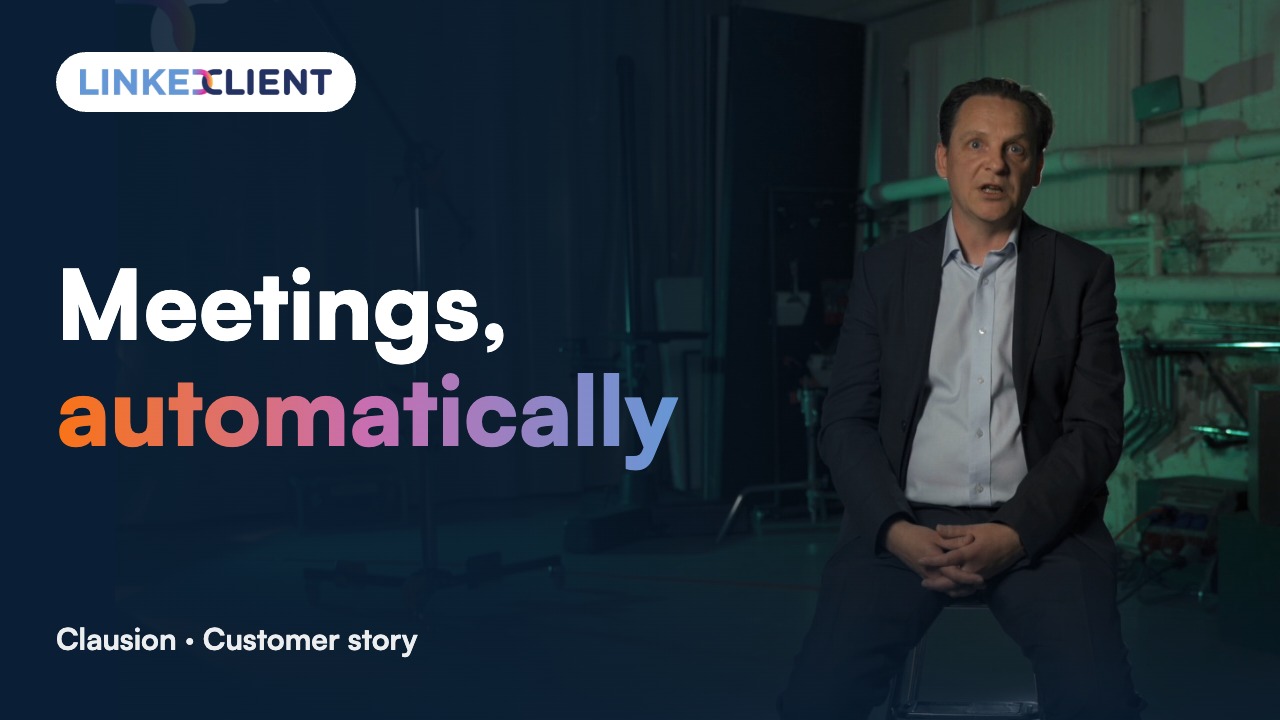
“We can pinpoint the people we want to contact and actually get meetings with them automatically.”
Keep reading
AI sales assistant
How Elsie finds leads, writes and books meetings.
Read the guideOutbound sales
How outbound works and how to start small.
Read the guideBuild a sales pipeline
Stages, pipeline math and a weekly routine.
Read the guideLead generation tools
The main types of tools and how to choose.
Read the guideWhat is sales automation?
Sales automation is software that does repetitive sales tasks for you, such as building lead lists, sending messages and follow-ups, updating the CRM and booking meetings.
Which sales tasks should you automate first?
Start with follow-ups, CRM updates and lead research. They happen every day, follow clear rules and are easy to check.
Will sales automation replace salespeople?
No. It removes admin so salespeople spend more time in conversations. Discovery calls, negotiation and closing still need a person.
What is the difference between sales automation and a CRM?
A CRM stores your contacts and deals. Sales automation does work: it sends messages, follows up and moves deals to the next stage.
Is sales automation safe on LinkedIn?
It is when you stay inside LinkedIn’s limits, write personal messages and spread activity across the working day. LinkedClient works within LinkedIn’s daily limits and only sends during your working hours.
What is the best sales automation software?
It depends on what you want automated. CRM workflows keep a pipeline tidy, sequencing tools send messages, and AI sales assistants like LinkedClient automate the whole path from finding leads to booking meetings. Pick the tool that covers the step where you lose the most time.
What is AI sales automation?
Sales automation that uses AI for tasks that used to need judgment, such as researching a lead, writing a personal message, answering a reply or agreeing a meeting time. LinkedClient’s Elsie does all four on LinkedIn and email.
How much does sales automation cost?
It ranges from free CRM workflows to large enterprise suites. LinkedClient is free for 14 days, then $79 for your first month and $149 a month after that, with all 109 features included.
Want sales automation that ends in booked meetings?
Start your free 14-day trial today and Elsie can start this week. If you keep going, your first month is just $79. Or book a 30-minute demo and we’ll show you who she would contact for your business.
14 days free · No card needed · $79 for your first month