Lead generation for IT companies: how IT services firms and MSPs win new clients
IT services firms and managed service providers sell something buyers only think about when it breaks, or when the business changes. Lead generation is about being the trusted name they already know at that moment. Here is who buys, the signals that show timing, what to write and the channels that work.
Lead generation for IT companies works best when you specialise by industry or company size, reach the person who owns IT decisions, often the CEO or COO in smaller companies and the CIO or IT manager in larger ones, and time your outreach to changes like growth, new offices, new leaders or new compliance requirements. Combine direct outreach on LinkedIn and email with referrals from accountants and other advisors, and case studies that show reliability. LinkedClient runs the outreach: Elsie finds decision makers at companies that fit, writes to them about their situation and books intro calls. You can try it free for 14 days, no card needed, and your first month after the trial is $79.
Key takeaways
- Specialise by industry or company size.
- In small companies, the CEO or COO decides on IT.
- Time outreach to change: growth, moves, new leaders.
- Reliability and response times sell.
- Referrals from advisors build trust.
Who buys IT services and managed services?
| Buyer | What they care about |
|---|---|
| CEO or owner (small companies) | Uptime, cost and not having to think about IT |
| COO or operations director | Systems that support growth and processes |
| CIO, IT manager or head of IT | Capacity, expertise and reliable support |
| CFO | Predictable costs and fewer surprises |
The smaller the company, the more likely the CEO decides. Write about business outcomes, not technical specs.
Which signals show a company may need a new IT partner?
| Signal | Why it matters |
|---|---|
| Rapid hiring | More users, devices and support needs |
| New office or relocation | Networks, equipment and moving systems |
| New IT or operations leader | New leaders review suppliers |
| New compliance requirements in their industry | Security and documentation needs |
| Funding or acquisition | Systems need to scale or merge |
| Complaints or outages they post about | Pain with the current setup |
What should an IT company write to a potential client?
Lead with their situation and a business outcome, not your technology stack.
Growth signal: “Hi Lars, saw you’ve doubled the team this year. That’s usually when IT support starts to creak. We look after 40 to 150-person companies in Gothenburg with a two-hour response guarantee. Worth a chat?”
New office: “Hi Anna, congratulations on the new Oslo office. Happy to share the checklist we use to get new offices running without downtime, if useful.”
New leader: “Hi Erik, congratulations on the COO role. Many new COOs review IT in their first months. If that’s on your list, we’d be glad to give a second opinion.”
Replace the details and numbers in the examples with your own.
Which lead generation channels work for IT companies?
| Channel | Why it works |
|---|---|
| LinkedIn outreach | Reach CEOs, COOs and IT leaders by title and company size |
| Referrals from accountants and lawyers | Advisors know when clients grow or move |
| Local or industry events | IT is a trust purchase; meeting in person helps |
| Case studies with response times | Proof of reliability |
| Search content | Answers to the questions buyers search for |
For the outreach itself, see cold outreach and how to reach decision makers.
Selling your own software rather than services? See lead generation for SaaS companies.
Mistakes to avoid
- Leading with technology instead of business outcomes.
- Targeting every company size at once.
- Writing to IT staff when the CEO decides.
- Promising great support without proof, like response times.
- Going quiet after a first meeting instead of offering a review.
How does LinkedClient help IT companies win clients?
IT is a trust purchase, and trust starts with a relevant first message at the right time. LinkedClient finds decision makers at companies that fit your niche, writes to them about their situation on LinkedIn and email, follows up and books intro calls, while your team keeps clients’ systems running.

Your niche, found
Describe the industries, sizes and regions you serve, and Elsie finds the decision makers.
About their business
Elsie reads each person’s profile and company before writing.
LinkedIn and email
If LinkedIn goes quiet, Elsie follows up by email.
Meetings in your calendar
Elsie agrees a time in the conversation and books it, with no calendar link.
| LinkedClient | At a glance |
|---|---|
| What it is | An AI sales assistant. Elsie finds leads, writes to them on LinkedIn and email, answers replies and books meetings. |
| Free trial | 14 days, no card needed. Then $79 for your first month. |
| Price after that | Starter $149 per user per month, or $129 billed annually. Professional (2+ users) $299, or $249 billed annually. All 109 features in every plan. |
| Works on | LinkedIn Basic, Premium, Sales Navigator and Recruiter |
| Meetings | Booked in the conversation, without calendar links, in Google or Microsoft calendars |
| Connects to | HubSpot, Pipedrive, Salesforce, Zapier, webhooks and a public API |
| Compliance | GDPR and EU AI Act compliant |
| Setup | Live in about 15 minutes, with onboarding from a real person |
Fill your IT company’s calendar with intro calls
Try it free for 14 days, no card needed, then just $79 for your first month. Or book a 30-minute demo and we’ll show you who Elsie would contact for your business.
What results do LinkedClient customers get?
These results cover all of LinkedClient. Winning new IT clients is one part of it.
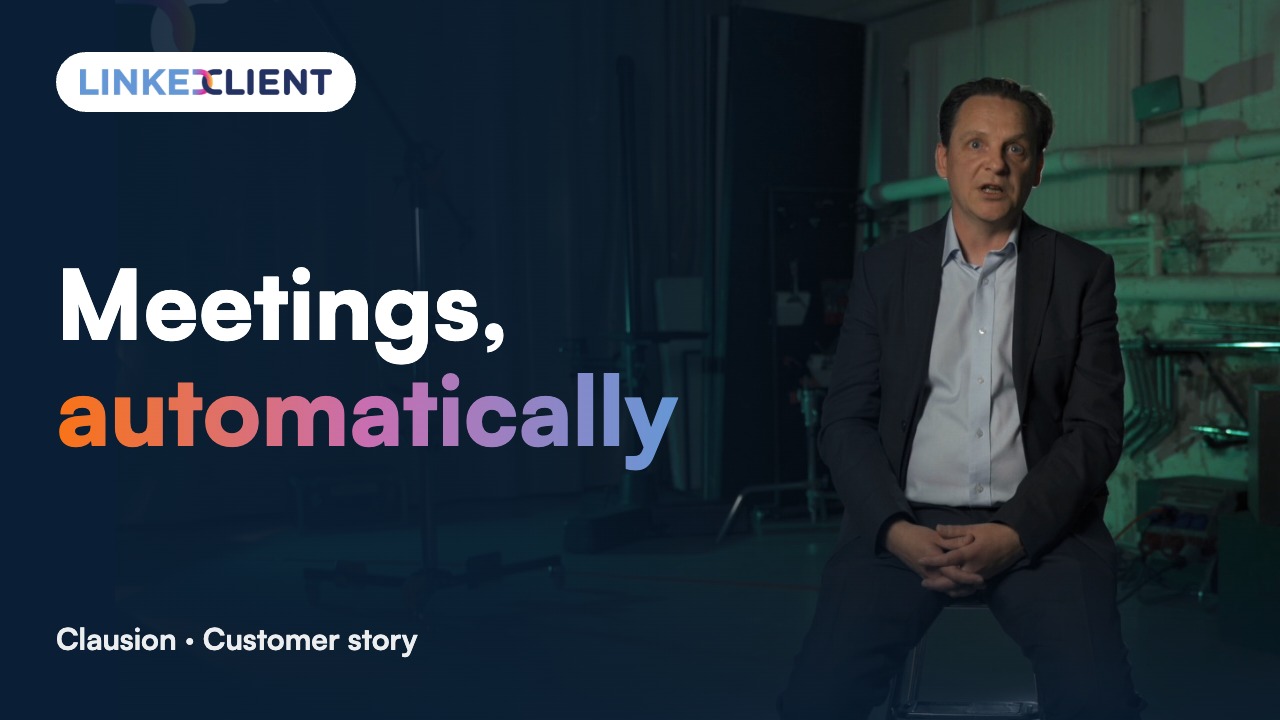
“We can pinpoint the people we want to contact and actually get meetings with them automatically.”
Keep reading
Questions about lead generation for IT companies
Can’t find your answer? Ask a real person.
Book a 30-min demoHow do IT companies get new clients?
Through referrals, specialising by industry or company size, direct outreach to decision makers on LinkedIn and email, events and case studies that show reliability.
How do MSPs generate leads?
By targeting companies of the size they serve best, reaching the CEO or COO, timing outreach to growth or change, and partnering with accountants and other advisors.
Who should an IT services company target?
In small companies the CEO or owner; in mid-sized companies the COO or operations director; in larger ones the CIO or IT manager.
What is a good lead generation strategy for IT consulting?
Specialise, use case studies with business results, reach decision makers directly and follow up every conversation.
Does LinkedIn work for IT lead generation?
Yes. You can find decision makers by title, company size and region, and reach them directly.
Should IT companies use cold email?
It can work alongside LinkedIn, if messages are relevant and you follow email rules like GDPR and Gmail’s sender requirements.
What should an MSP offer as a first step?
Something low-risk and useful, such as a short IT or security review with a clear summary of findings and no obligation.
How does LinkedClient help IT companies?
Elsie finds decision makers at companies that fit your niche, writes to them on LinkedIn and email, follows up and books intro calls. Try it free for 14 days, then pay $79 for your first month.
Want more IT clients without more prospecting?
Start your free 14-day trial today and Elsie can start this week. If you keep going, your first month is just $79. Or book a 30-minute demo and we’ll show you who she would contact for your business.
14 days free · No card needed · $79 for your first month