How to reach decision makers: find them, get past gatekeepers and get a reply
Selling to the wrong person is the most expensive mistake in B2B: weeks of friendly conversations that end with “I’ll need to check with my boss”. Here is how to find who really decides, get past gatekeepers, what to write to a senior leader and how to involve everyone else in the decision.
To reach decision makers, first find out who actually decides: the person who owns the problem and the budget, usually a department head or, in smaller companies, the CEO. Find them on LinkedIn by job title, write a short message about their business rather than your product, and follow up on a second channel. Gartner research shows a typical buying group for a complex B2B solution involves six to ten people, so also involve the users, the budget holder and anyone who can block the deal. LinkedClient goes straight to the people who decide: describe the roles you need and Elsie finds them on LinkedIn and writes to them on LinkedIn and email. You can try it free for 14 days, no card needed, and your first month after the trial is $79.
Key takeaways
- Find the person who owns the problem and the budget.
- In small companies, that’s often the CEO.
- Go direct on LinkedIn, then follow up by email.
- Write about their business, briefly.
- Big decisions involve six to ten people: map them.
Who are the decision makers in a B2B purchase?
Gartner research shows that the typical buying group for a complex B2B solution involves six to ten stakeholders, each of whom has consulted four to five sources of information. For smaller purchases, one or two people may decide alone.
- Economic buyer: owns the budget and signs.
- Problem owner: the leader whose team feels the pain.
- Users: the people who will work with what you sell.
- Technical or legal reviewers: can slow down or block the deal.
- Champion: someone inside who wants it to happen.
Sources: Gartner: Buyer enablement.
How do you find the right decision maker?
Start from the problem
Who owns the result you improve? Sales, finance, HR or operations?
Search LinkedIn by title
Filter by company and job titles like head of, director of or VP. See how to use Sales Navigator.
Check company size
In companies under about 50 people, the CEO or founder often decides.
Look at who posts about it
Leaders who post about the problem are easier to start a conversation with.
Ask the first person you reach
“Who usually looks at this at your company?” works surprisingly often.
How do you get past gatekeepers?
Gatekeepers protect busy people from irrelevant requests. Treat them as allies, not obstacles, and give them a reason to pass your message on.
- Go direct on LinkedIn, where there is no switchboard.
- Be specific: who you want to reach and why it matters to them.
- Ask the assistant for advice, not for a meeting.
- Keep messages short enough to forward.
- Use a referral or shared connection when you have one.
What should you write to a CEO or senior decision maker?
Senior leaders read on their phones between meetings. Write two or three sentences: something specific about their company, one result you deliver, and an easy question.
Example: “Hi Lars, congratulations on the new office in Oslo. When companies open a new market, booking the first local meetings is often the slow part. We help teams do that without hiring. Worth a 15-minute call?”
Then follow up on a second channel. Here is how to combine LinkedIn and email.
How does LinkedClient reach decision makers for you?
LinkedClient goes straight to the people who decide. Describe the roles you need, and Elsie finds them on LinkedIn, writes a short message about their business and follows up on LinkedIn and email until they answer. When they’re interested, she books the meeting in your calendar.
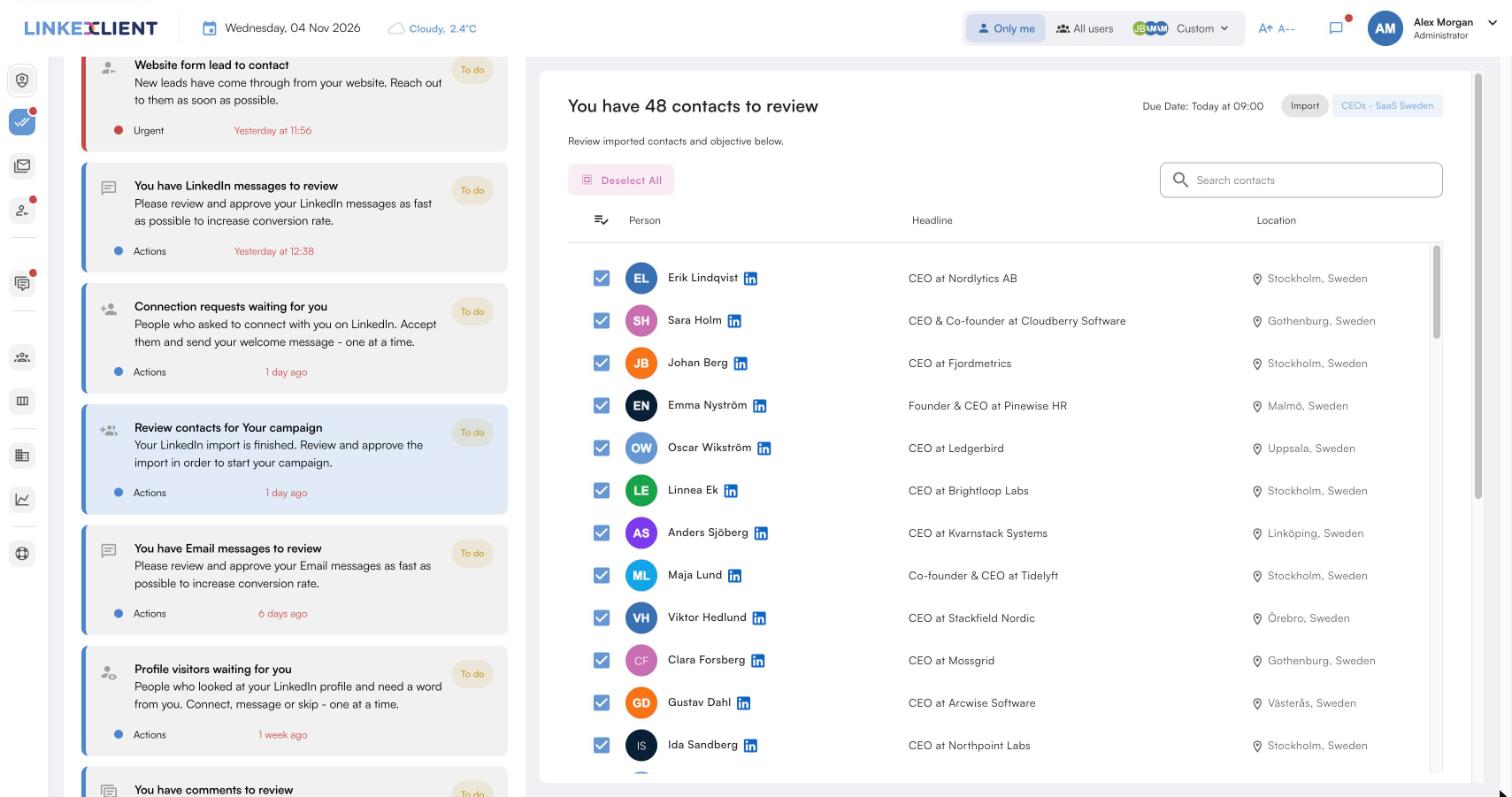
The right titles
Describe the roles you want to reach, and Elsie finds the people in them.
About their business
Elsie reads each person’s profile and company before writing.
LinkedIn and email
If LinkedIn goes quiet, Elsie follows up by email.
Meetings in your calendar
Elsie agrees a time in the conversation and books it, with no calendar link.
| LinkedClient | At a glance |
|---|---|
| What it is | An AI sales assistant. Elsie finds leads, writes to them on LinkedIn and email, answers replies and books meetings. |
| Free trial | 14 days, no card needed. Then $79 for your first month. |
| Price after that | Starter $149 per user per month, or $129 billed annually. Professional (2+ users) $299, or $249 billed annually. All 109 features in every plan. |
| Works on | LinkedIn Basic, Premium, Sales Navigator and Recruiter |
| Meetings | Booked in the conversation, without calendar links, in Google or Microsoft calendars |
| Connects to | HubSpot, Pipedrive, Salesforce, Zapier, webhooks and a public API |
| Compliance | GDPR and EU AI Act compliant |
| Setup | Live in about 15 minutes, with onboarding from a real person |
Reach the people who decide
Try it free for 14 days, no card needed, then just $79 for your first month. Or book a 30-minute demo and we’ll show you who Elsie would contact for your business.
What results do LinkedClient customers get?
These results cover all of LinkedClient. Reaching the right person is where every meeting starts.
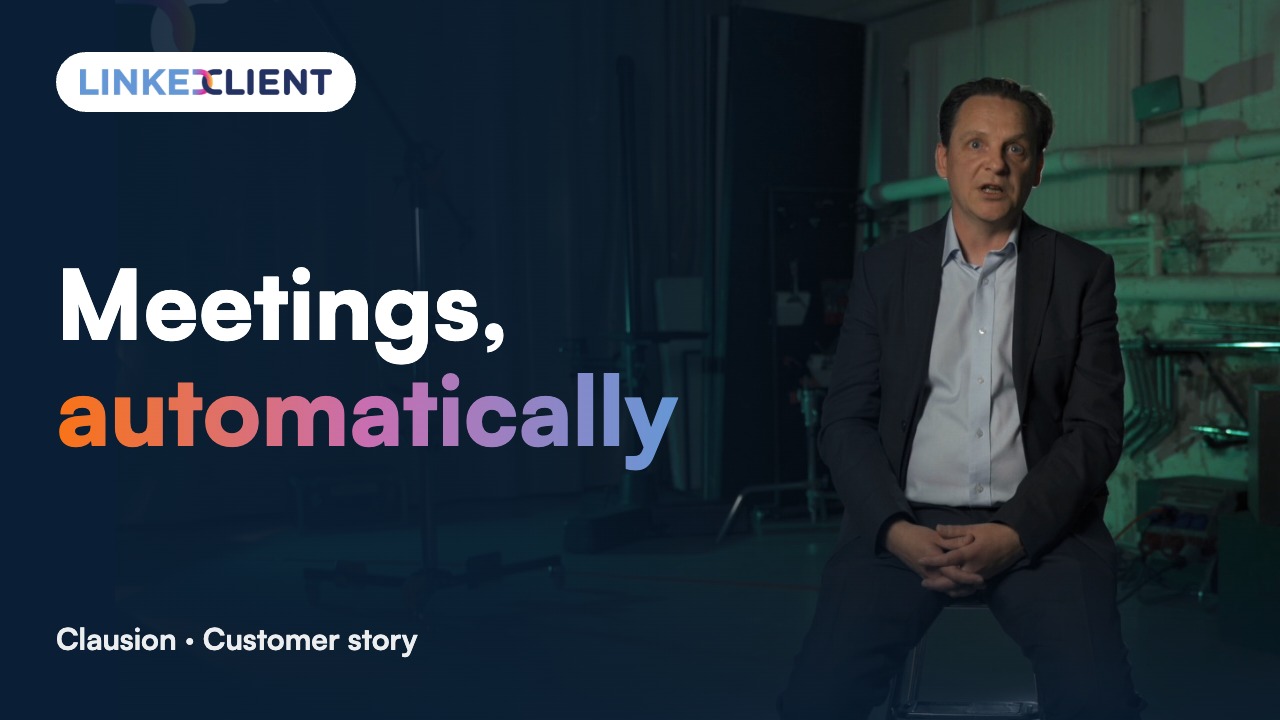
“We can pinpoint the people we want to contact and actually get meetings with them automatically.”
Keep reading
Questions about reaching decision makers
Can’t find your answer? Ask a real person.
Book a 30-min demoHow do you reach decision makers in B2B?
Find who owns the problem and budget, search for them on LinkedIn by title, write a short message about their business and follow up on a second channel.
How do you identify the decision maker in a company?
Start from the problem you solve and find who owns that result. In small companies it’s often the CEO; in larger ones, a department head or director.
How many people are involved in a B2B buying decision?
For complex purchases, Gartner puts the typical buying group at six to ten people. Smaller purchases may involve one or two.
How do you get past a gatekeeper?
Treat them as an ally: be specific, ask for advice, keep messages short and forwardable, or go direct on LinkedIn.
How do you write to a CEO?
Two or three sentences: something specific about their company, one relevant result, and an easy question. Follow up on a second channel.
Is LinkedIn the best way to reach decision makers?
For many B2B buyers, yes, because you can find them by job title and write directly. Combining LinkedIn with email works best.
How do you find decision makers on LinkedIn?
Search by company and by job titles like head of, director or VP in the relevant function, filter by seniority, and look for people who post about the problem you solve.
How does LinkedClient reach decision makers?
Describe the roles you want to reach. Elsie finds those people on LinkedIn, writes to them about their business on LinkedIn and email, follows up and books meetings. Try it free for 14 days, then pay $79 for your first month.
Want meetings with the people who decide?
Start your free 14-day trial today and Elsie can start this week. If you keep going, your first month is just $79. Or book a 30-minute demo and we’ll show you who she would contact for your business.
14 days free · No card needed · $79 for your first month