How to use LinkedIn Sales Navigator: searches, lists and alerts that find buyers
Sales Navigator is LinkedIn’s tool for finding and tracking buyers. Most people use a fraction of it: a quick search, a few saved leads, then nothing. Here is how to build searches that find the right people, use lists and alerts so nothing slips, and turn results into conversations.
To use LinkedIn Sales Navigator for prospecting, build a lead search from your ideal customer profile with filters for job title, function, seniority, company size, industry and geography, then save it so you get alerted to new matches. Add the best results to lead lists and their companies to account lists, follow alerts for job changes and posts, and engage before you write. Then reach out with short, personal messages and follow up. LinkedClient turns Sales Navigator into meetings: import your Sales Navigator searches and lead lists, and Elsie writes to each person and books the meetings. You can try it free for 14 days, no card needed, and your first month after the trial is $79.
Key takeaways
- Build searches from your ICP fields.
- Save searches to get new matches.
- Use lead and account lists.
- Act on job change and post alerts.
- Searches find people; outreach books meetings.
Which Sales Navigator filters should you use?
| Filter | Use it for |
|---|---|
| Current job title | The roles that buy, with Boolean search for variations |
| Function and seniority | Catching titles you didn’t think of |
| Company headcount | Matching your ideal company size |
| Industry | Your target sectors |
| Geography | Countries, regions or cities you serve |
| Changed jobs recently | New leaders who are setting priorities |
| Posted on LinkedIn recently | People who are active and easier to engage |
How do you prospect with Sales Navigator step by step?
Turn your ICP into filters
Title, seniority, headcount, industry and region. See ideal customer profile.
Save the search
Saved searches alert you to new people who match.
Build lead and account lists
Keep the best matches and their companies in lists.
Follow alerts
Job changes, posts and company news give you reasons to write.
Engage first
View profiles and react to recent posts.
Reach out and follow up
Short, personal connection requests and messages, plus email.
What are the best Sales Navigator tips?
Not sure you need Sales Navigator at all? See Sales Navigator vs LinkedIn Premium.
LinkedIn says it has more than 1 billion members in over 200 countries and regions, which is why most B2B prospecting starts there.
- Use Boolean search in the title filter, for example (“head of sales” OR “sales director”).
- Exclude titles you don’t want, like assistant or intern.
- Combine “changed jobs” with your ICP filters for timely outreach.
- Keep lists small and focused, one per campaign.
- Don’t waste InMail credits on people who would accept a connection request. See InMail credits.
Sources: LinkedIn: About LinkedIn.
How do you turn Sales Navigator results into meetings?
Sales Navigator finds people; it doesn’t write to them, follow up or book meetings. That’s where most of the work is. A good routine: export a list into your outreach tool or work through it daily, send a short connection note, message after they accept, follow up by email if LinkedIn goes quiet, and suggest two times when someone is interested.
Stay within LinkedIn’s weekly connection request limit as you scale.
To reach a Sales Navigator list without writing every message by hand, see our comparison of LinkedIn automation tools.
How does LinkedClient turn Sales Navigator into meetings?
Sales Navigator is great at finding people and does nothing to contact them. LinkedClient picks up from there: import your Sales Navigator searches and lead lists, and Elsie researches each person, writes to them on LinkedIn and email, follows up and books the meetings. It also works on Basic, Premium and Recruiter.
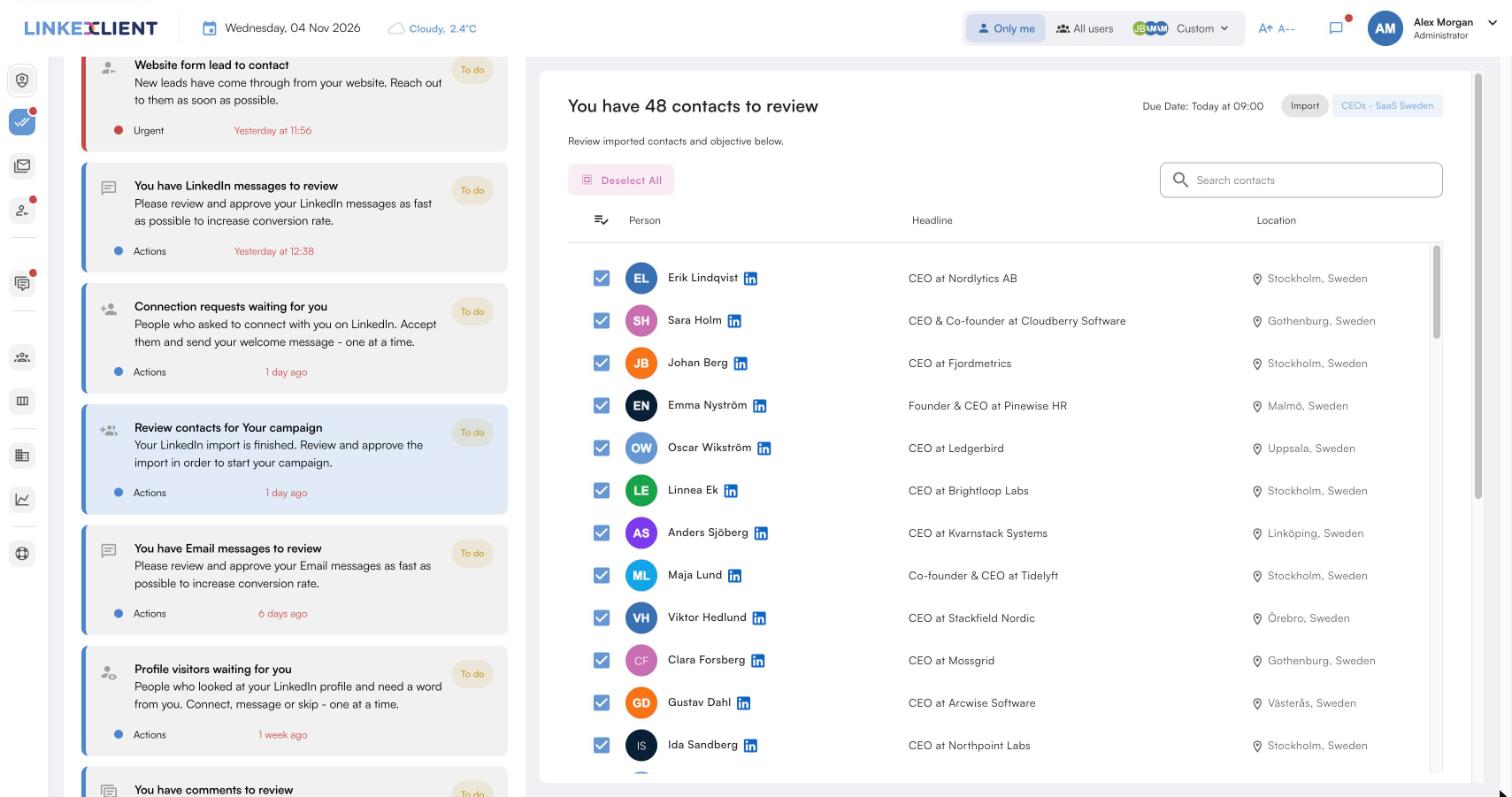
Searches and lead lists
Import Sales Navigator searches and lead lists in a few clicks.
Every lead researched
Elsie reads each person’s profile and company before writing.
LinkedIn and email
Connection requests, messages and emails, with follow-ups.
Meetings in your calendar
Elsie agrees a time in the conversation and books it, with no calendar link.
| LinkedClient | At a glance |
|---|---|
| What it is | An AI sales assistant. Elsie finds leads, writes to them on LinkedIn and email, answers replies and books meetings. |
| Free trial | 14 days, no card needed. Then $79 for your first month. |
| Price after that | Starter $149 per user per month, or $129 billed annually. Professional (2+ users) $299, or $249 billed annually. All 109 features in every plan. |
| Works on | LinkedIn Basic, Premium, Sales Navigator and Recruiter |
| Meetings | Booked in the conversation, without calendar links, in Google or Microsoft calendars |
| Connects to | HubSpot, Pipedrive, Salesforce, Zapier, webhooks and a public API |
| Compliance | GDPR and EU AI Act compliant |
| Setup | Live in about 15 minutes, with onboarding from a real person |
Turn your Sales Navigator searches into meetings
Try it free for 14 days, no card needed, then just $79 for your first month. Or book a 30-minute demo and we’ll show you who Elsie would contact for your business.
What results do LinkedClient customers get?
These results cover all of LinkedClient. Turning searches into conversations is one part of it.
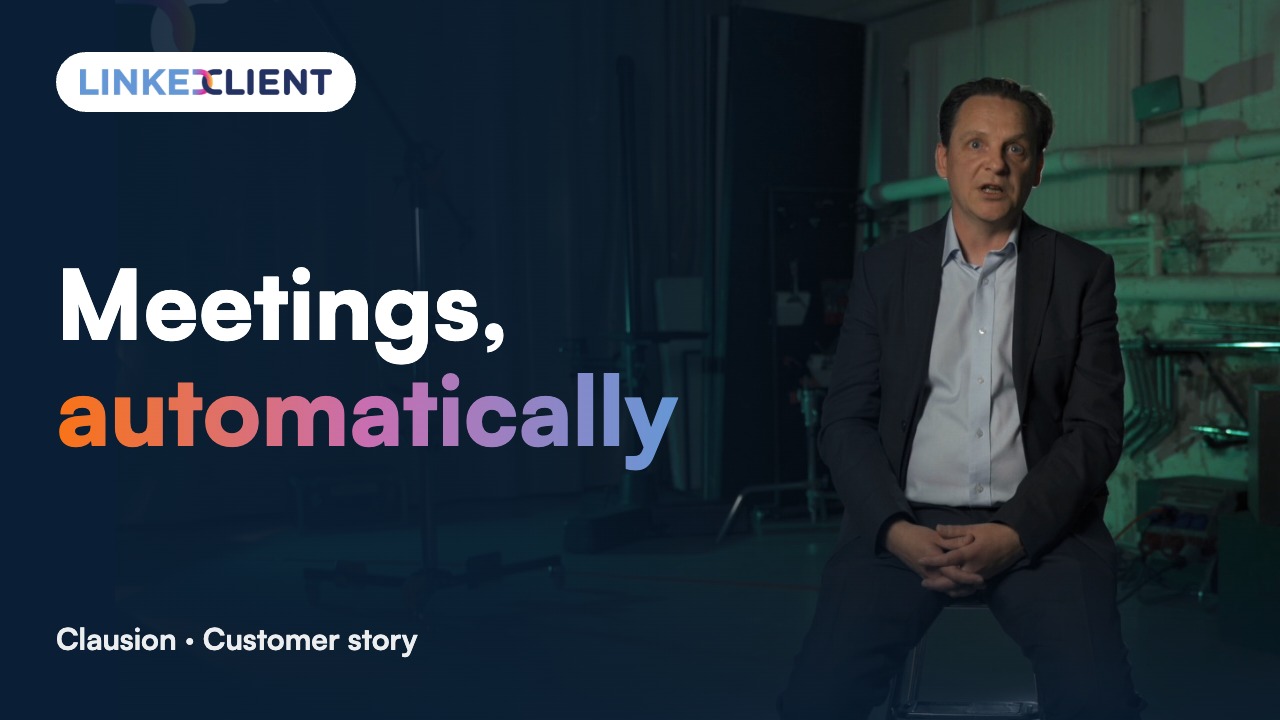
“We can pinpoint the people we want to contact and actually get meetings with them automatically.”
Keep reading
Questions about using Sales Navigator
Can’t find your answer? Ask a real person.
Book a 30-min demoHow do you use Sales Navigator for prospecting?
Build a lead search from your ICP, save it, add the best matches to lists, follow alerts, engage, then reach out and follow up.
What are the best Sales Navigator filters?
Current job title with Boolean search, function, seniority, company headcount, industry, geography, and recent job changes or posts.
What is the difference between a lead list and an account list?
A lead list holds people; an account list holds companies, so you can track news and find new people there.
Can you export leads from Sales Navigator?
LinkedIn doesn’t offer a general export, but outreach tools such as LinkedClient can import Sales Navigator searches and lead lists.
Is Sales Navigator worth it?
If you prospect on LinkedIn every day, its filters, lists and alerts usually are. Compare it with Premium first.
Do you need Sales Navigator to use LinkedClient?
No. LinkedClient works on LinkedIn Basic, Premium, Sales Navigator and Recruiter.
What is the difference between Sales Navigator Core, Advanced and Advanced Plus?
Core is for individual sellers, Advanced adds features for teams, and Advanced Plus adds CRM integration. Check current features and prices on LinkedIn’s site.
How does LinkedClient work with Sales Navigator?
Import your Sales Navigator searches and lead lists, and Elsie writes to each person on LinkedIn and email, follows up and books meetings. Try it free for 14 days, then pay $79 for your first month.
Want your Sales Navigator searches to book meetings?
Start your free 14-day trial today and Elsie can start this week. If you keep going, your first month is just $79. Or book a 30-minute demo and we’ll show you who she would contact for your business.
14 days free · No card needed · $79 for your first month