Demand generation vs lead generation: what’s the difference and which you need
Demand generation makes the right people aware of a problem and of you. Lead generation turns some of them into names and conversations. Here is how they differ, how they work together, and what a small B2B team should do first.
Demand generation builds awareness and interest in your market over time, through content, thought leadership, events and ads, without asking for contact details. Lead generation finds or captures specific people and starts conversations, through outreach, forms and booked calls. Research by the Ehrenberg-Bass Institute for LinkedIn’s B2B Institute suggests only about 5% of B2B buyers are in the market at any one time, so demand generation prepares the other 95% while lead generation works the 5%. Small teams usually start with lead generation for short-term revenue and add demand generation as they grow. LinkedClient handles the outbound lead generation side. You can try it free for 14 days, no card needed, and your first month after the trial is $79.
Key takeaways
- Demand gen creates interest; lead gen turns it into conversations.
- Only about 5% of B2B buyers are in the market at once.
- Demand gen is measured in reach and pipeline over time.
- Lead gen is measured in leads, meetings and cost per meeting.
- Small teams start with lead gen and add demand gen.
What is the difference between demand generation and lead generation?
| Compared | Demand generation | Lead generation |
|---|---|---|
| Goal | Make the right people aware and interested | Get specific people into a conversation |
| Audience | Your whole market, including people not buying yet | People who fit and may buy soon |
| Tactics | Content, podcasts, events, ads, social posts | Outreach, forms, gated content, webinars, booked calls |
| Time frame | Months to years | Days to weeks |
| Metrics | Reach, engagement, branded search, pipeline over time | Leads, meetings, cost per lead and per meeting |
| Owner | Usually marketing | Marketing and sales together |
Why do you need both?
Professor John Dawes of the Ehrenberg-Bass Institute, in research for LinkedIn’s B2B Institute, estimated that only about 5% of B2B buyers are in the market at any given time. The other 95% won’t buy for months or years.
If you only do lead generation, you compete hard for the 5% and miss the rest. If you only do demand generation, you wait a long time for revenue. Doing both means the people who are ready hear from you now, and the rest already know your name when they’re ready.
How do demand generation and lead generation work together?
- DemandBe knownPosts, talks and content make your name familiar.
- SignalsSpot interestProfile visits, post likes and site visits show who is paying attention.
- Lead genStart a conversationWrite to those people with a relevant message.
- PipelineBook the meetingTurn interest into a first call.
The bridge between the two is signals. Someone who viewed your profile after a post is warmer than a name on a list. Here is how to follow up LinkedIn profile visitors.
Which should you start with on a small budget?
Start with lead generation if you need revenue this quarter. Add demand generation in small, steady doses from day one: it compounds.
For the bigger picture, see B2B marketing strategy and account-based marketing.
- Spend most of your time on outreach to people who fit your ideal customer.
- Post once or twice a week on LinkedIn about the problem you solve.
- Follow up every signal: profile views, likes and new followers.
- Turn every customer result into a short story you can share.
How does LinkedClient connect demand and lead generation?
Demand generation creates attention. LinkedClient makes sure it isn’t wasted: Elsie engages with your prospects’ posts, follows up people who view your profile and writes to everyone who fits, so interest turns into meetings.

Likes and comments
Elsie likes and comments on your prospects’ posts, so they know your name.
Profile visitors followed up
People who view your profile get a connection request or your saved message.
LinkedIn and email
Elsie writes to people who fit, with follow-ups until they reply.
Meetings in your calendar
Elsie agrees a time in the conversation and books it, with no calendar link.
| LinkedClient | At a glance |
|---|---|
| What it is | An AI sales assistant. Elsie finds leads, writes to them on LinkedIn and email, answers replies and books meetings. |
| Free trial | 14 days, no card needed. Then $79 for your first month. |
| Price after that | Starter $149 per user per month, or $129 billed annually. Professional (2+ users) $299, or $249 billed annually. All 109 features in every plan. |
| Works on | LinkedIn Basic, Premium, Sales Navigator and Recruiter |
| Meetings | Booked in the conversation, without calendar links, in Google or Microsoft calendars |
| Connects to | HubSpot, Pipedrive, Salesforce, Zapier, webhooks and a public API |
| Compliance | GDPR and EU AI Act compliant |
| Setup | Live in about 15 minutes, with onboarding from a real person |
Turn attention into meetings
Try it free for 14 days, no card needed, then just $79 for your first month. Or book a 30-minute demo and we’ll show you who Elsie would contact for your business.
What results do LinkedClient customers get?
These results cover all of LinkedClient. GRW Media saw six times more inbound leads.
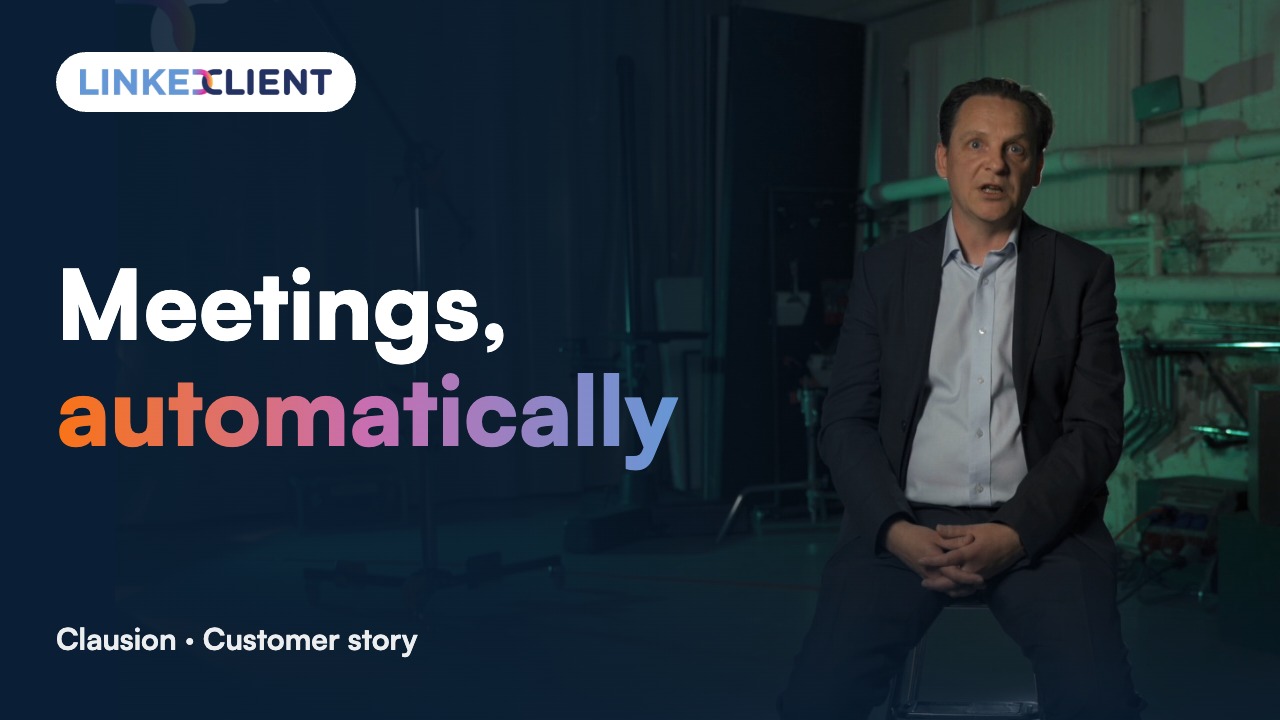
“We can pinpoint the people we want to contact and actually get meetings with them automatically.”
Keep reading
What is demand generation?
Marketing that builds awareness of a problem and interest in your company across your whole market, usually without asking for contact details, so buyers know you when they’re ready.
What is the difference between demand generation and lead generation?
Demand generation creates interest across the market over time. Lead generation finds or captures specific people and starts conversations with them now.
Is demand generation marketing or sales?
It’s mainly marketing. Lead generation is shared: marketing captures inbound leads, and sales or outbound tools contact people directly.
What are examples of demand generation?
LinkedIn posts by founders and experts, podcasts, webinars without forms, industry events, research reports and brand advertising.
How do you measure demand generation?
Reach and engagement in your target market, growth in branded search and direct traffic, and pipeline from accounts that engaged before talking to sales.
Does demand generation replace lead generation?
No. Demand generation makes lead generation work better, because people are more likely to reply when they already recognise your name.
What is a demand generation campaign?
A campaign that builds interest in a problem across your market, such as a research report, a webinar series or a run of LinkedIn posts, measured by reach, engagement and pipeline over time rather than form fills.
How does LinkedClient support demand generation?
Elsie likes and comments on prospects’ posts and follows up people who view your profile, so the attention your content creates turns into conversations and meetings. Try it free for 14 days, then pay $79 for your first month.
Want the attention you earn to turn into meetings?
Start your free 14-day trial today and Elsie can start this week. If you keep going, your first month is just $79. Or book a 30-minute demo and we’ll show you who she would contact for your business.
14 days free · No card needed · $79 for your first month